How-To Guides/Dashboard
Dashboard
The first screen after signing in — a personal overview of your upcoming work and quick links into the rest of the system.
Your overview at a glance
Where to find it·/dashboard
The Dashboard is personal. Every member of staff sees their own name, their own upcoming shifts and the areas they have permission to open — not a global business view.
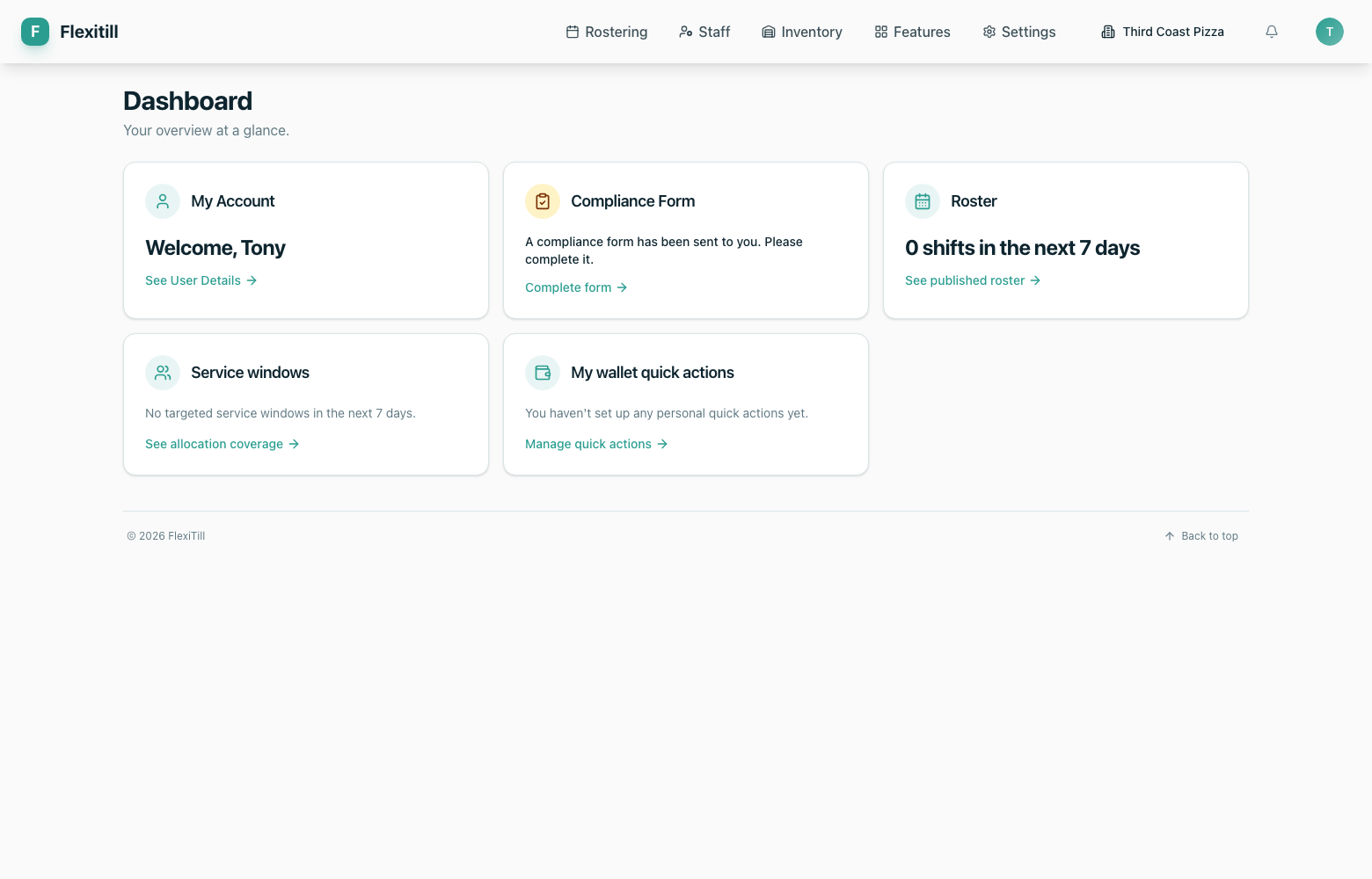
Who you are signed in as
Your name and avatar confirm the active account and business.
Upcoming shifts
A rolling view of the shifts rostered to you, with times, section and status.
Quick links
Jump straight into the areas you use most without hunting through the top nav.
Location context
Multi-site businesses show which venue the figures belong to.