How-To Guides/Product categories
Product categories
Organise Products consistently for menus, reporting and operational displays. For Product stock identities, tracking, packs, costing and Variants, use the Inventory setup guide.
Product categories
Where to find it·Inventory → Settings → Categories
Categories group Products for filtering, menus and reporting. Each can carry a full name, a short name for narrow controls, a colour and an icon. Create the Category here, then assign it during Product create or edit, or use the Product register's bulk Category action.
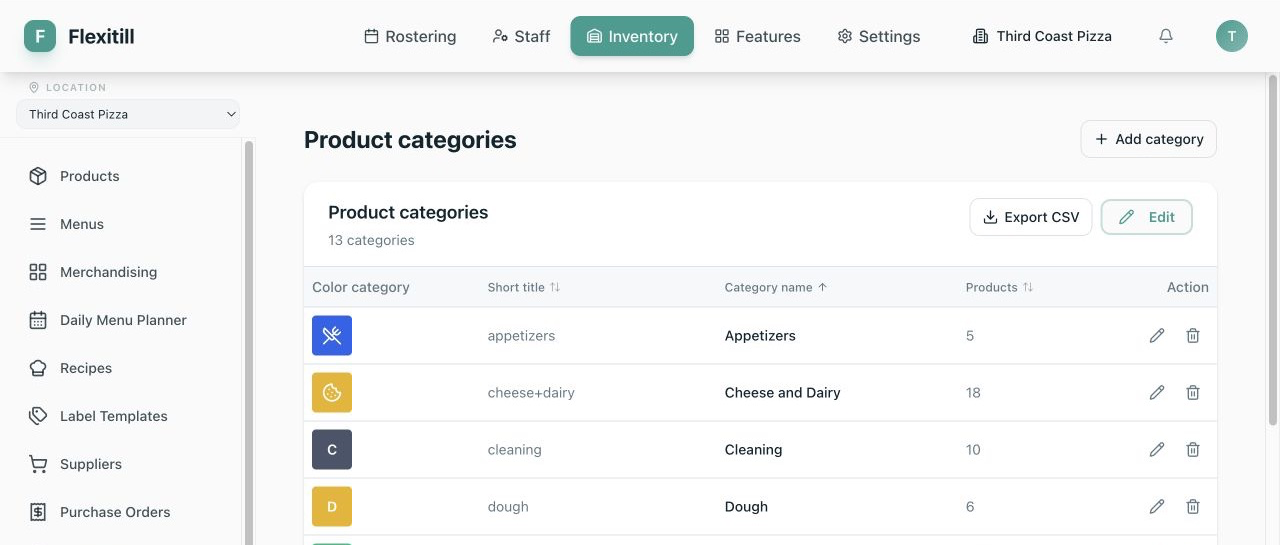
Category title
The full name used in reports and menus.
Short name
A compact label for till buttons where space is tight.
Colour at checkout
The button colour on the point of sale.
Cashier icon
An icon to help staff find the category quickly.