Reservations
Taking and managing bookings — the daily view, incoming requests, search, confirmation emails and settings.
Daily view
Where to find it·Features → Reservations
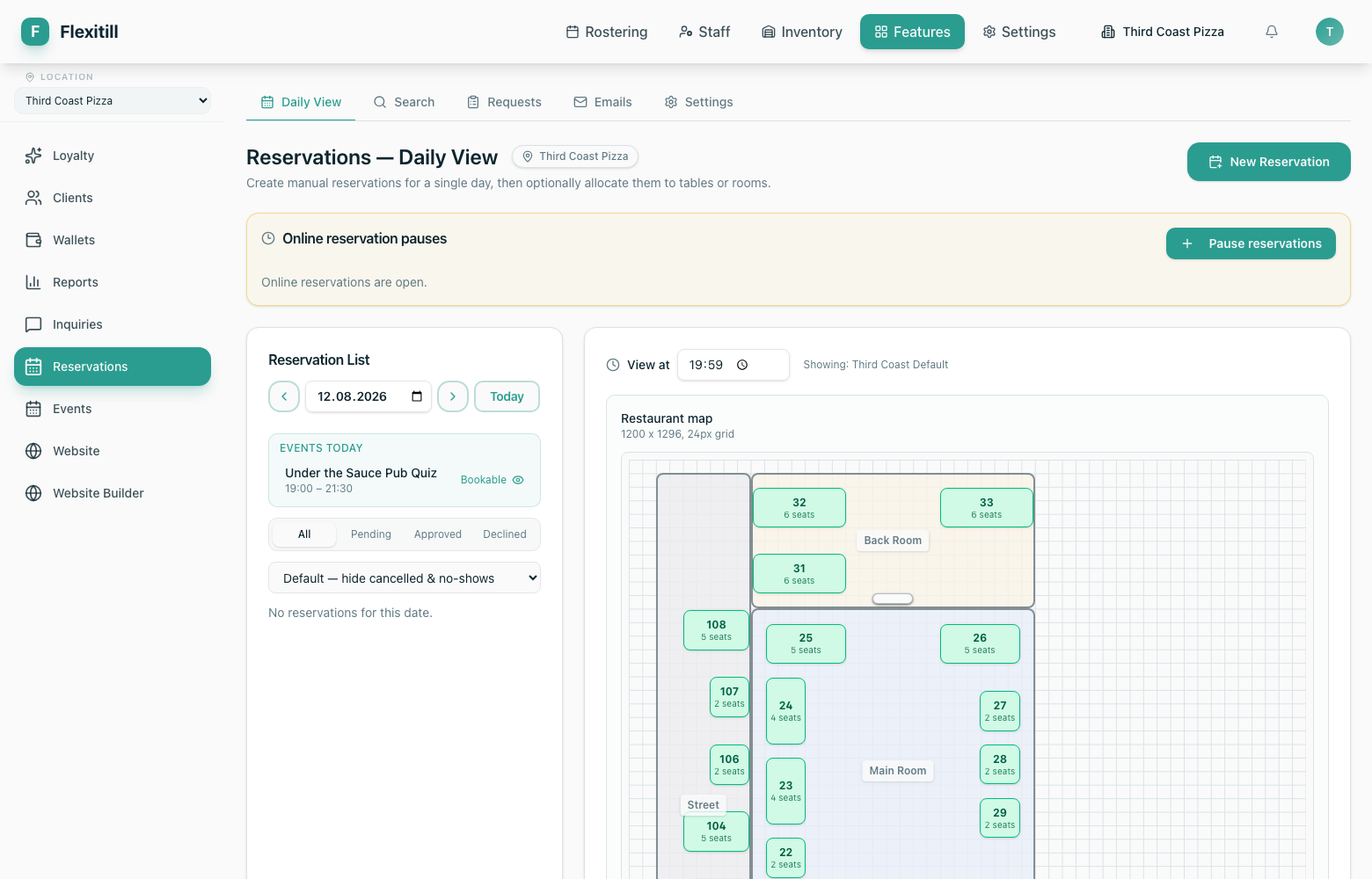
The daily view is the working screen for a service: every booking for the selected date, with covers, times and status.
Requests
Where to find it·Features → Reservations → Requests
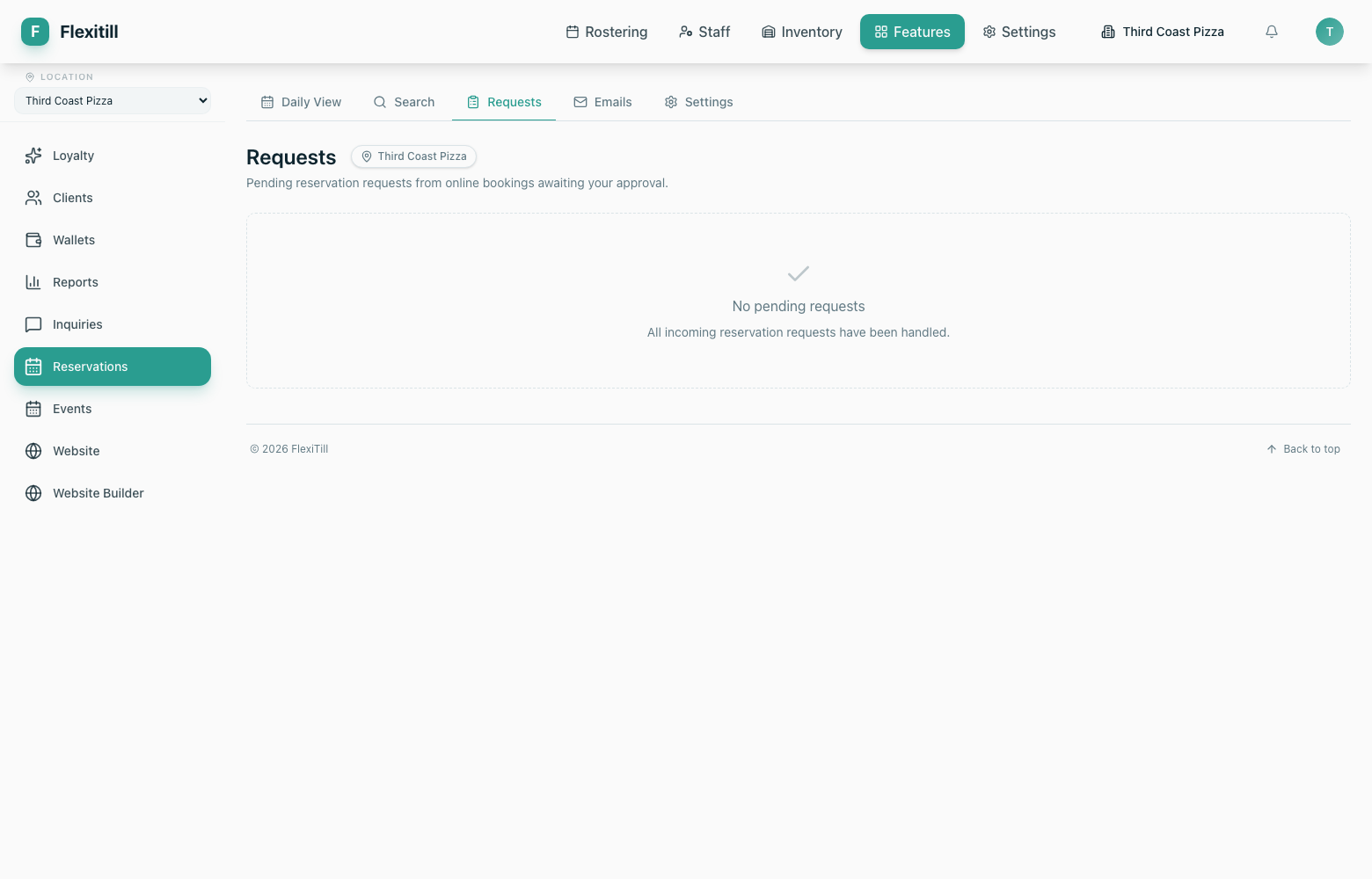
Bookings submitted from your website land here for confirmation before they become live reservations.
Search
Where to find it·Features → Reservations → Search
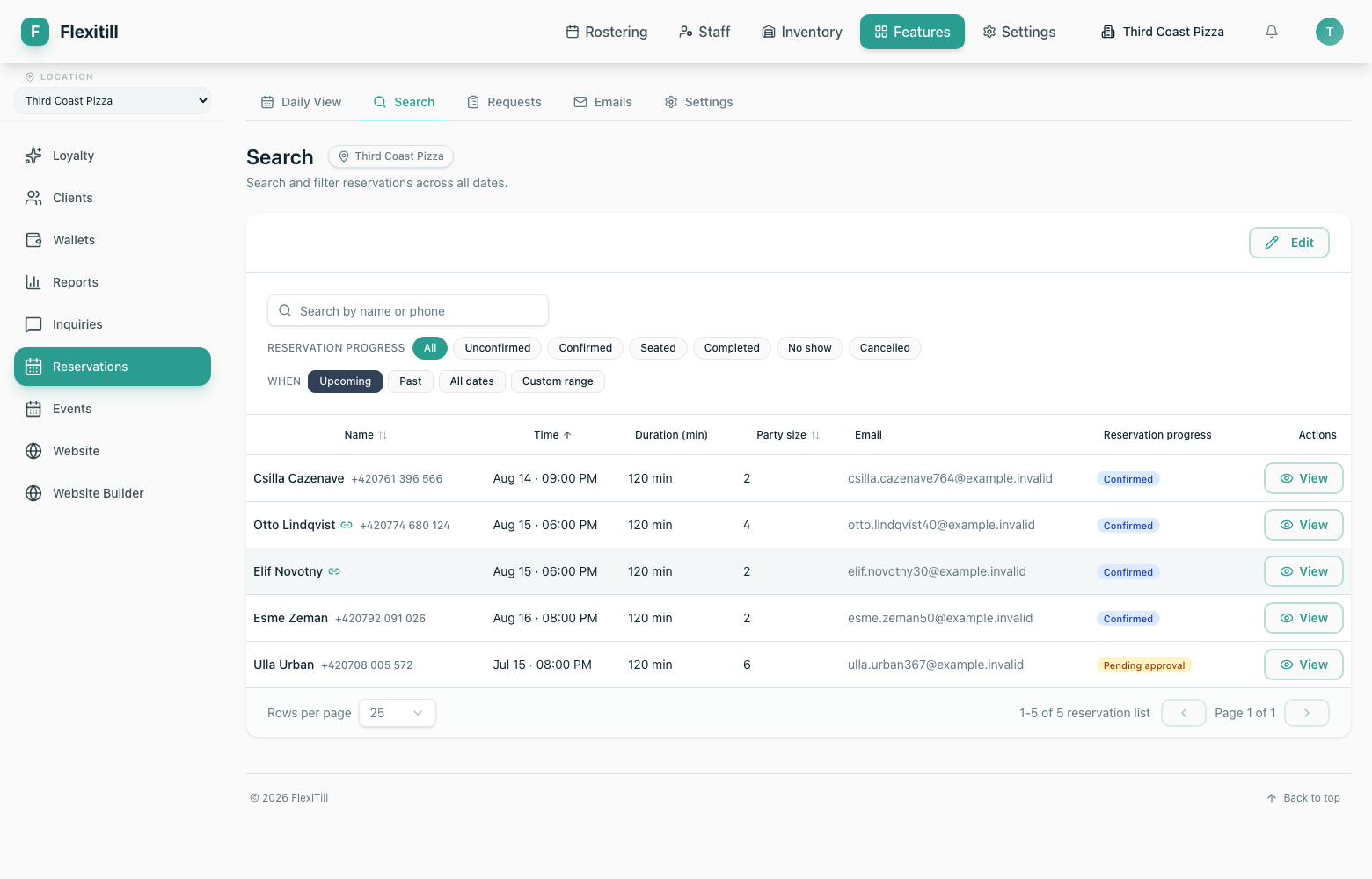
Find a booking across all dates by guest name, contact details or reference — useful when someone calls to change a reservation.
Emails and settings
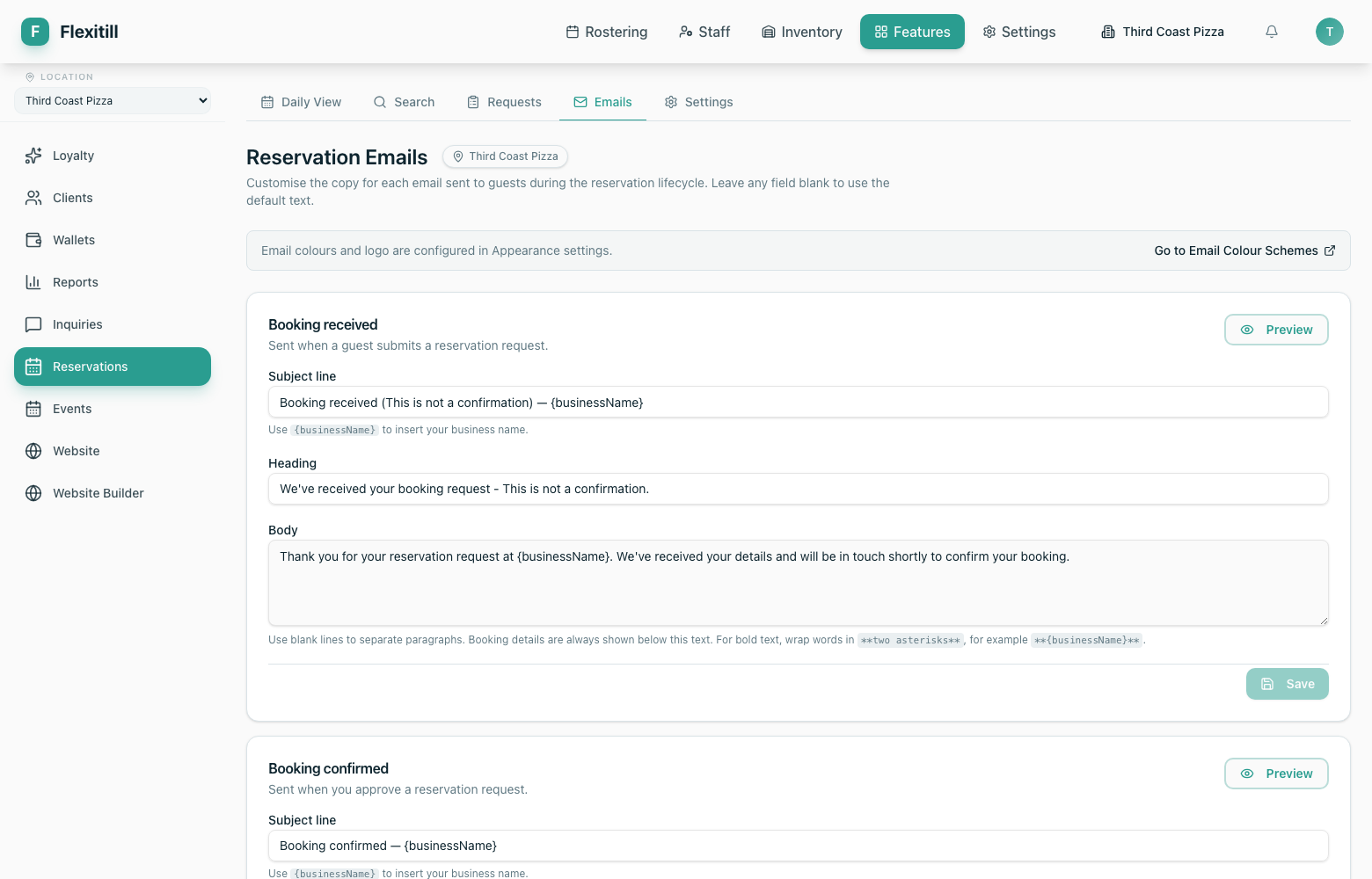
Reservation emails
The confirmation, reminder and cancellation messages sent to guests, and a log of what was sent.
Reservation settings
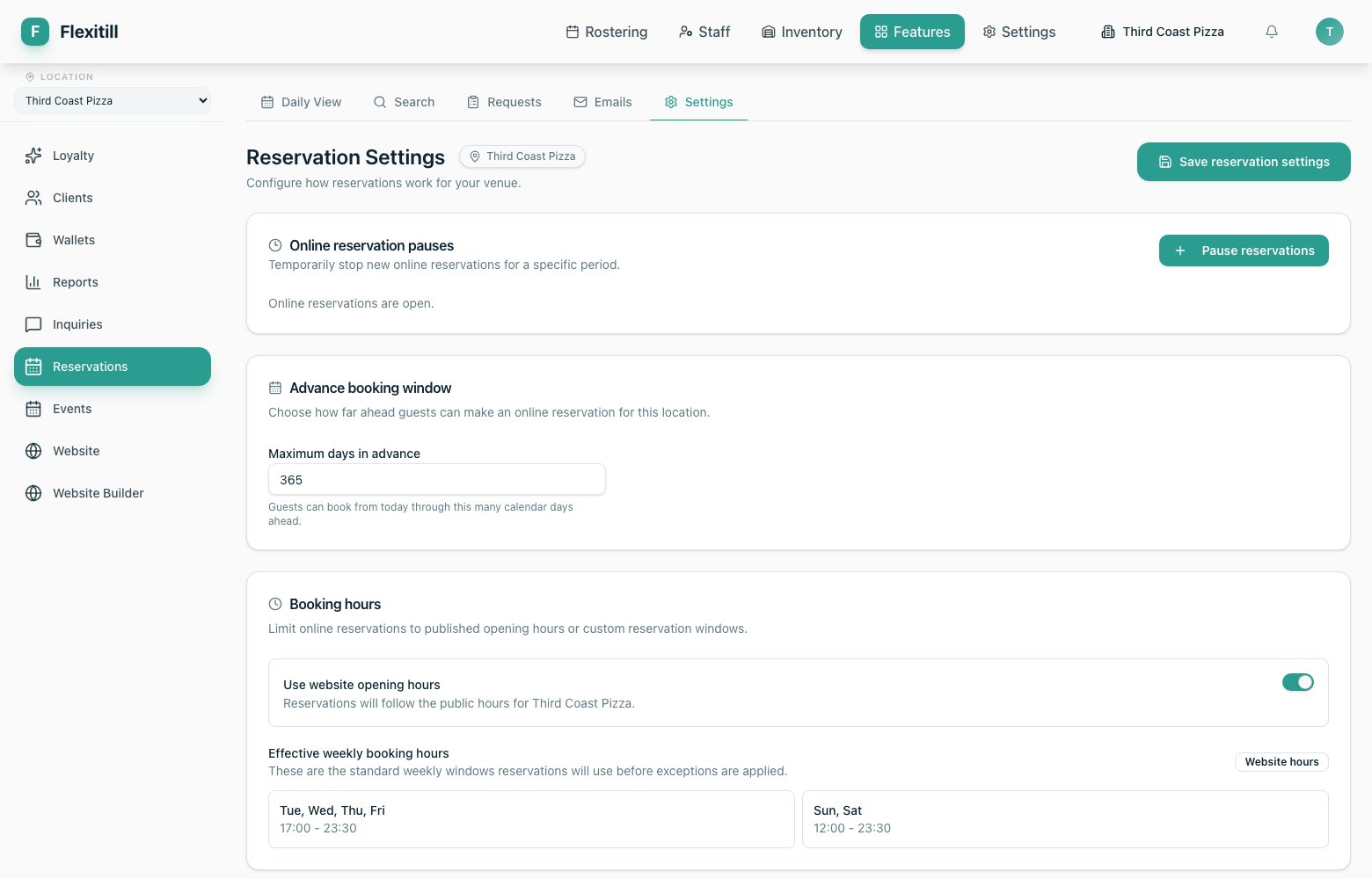
Booking rules — service times, capacity, how far ahead guests may book, and closure dates.