Documents
Contracts, payslips and forms — issuing them, collecting signatures, and finding them again afterwards.
All documents
Where to find it·Staff → Documents
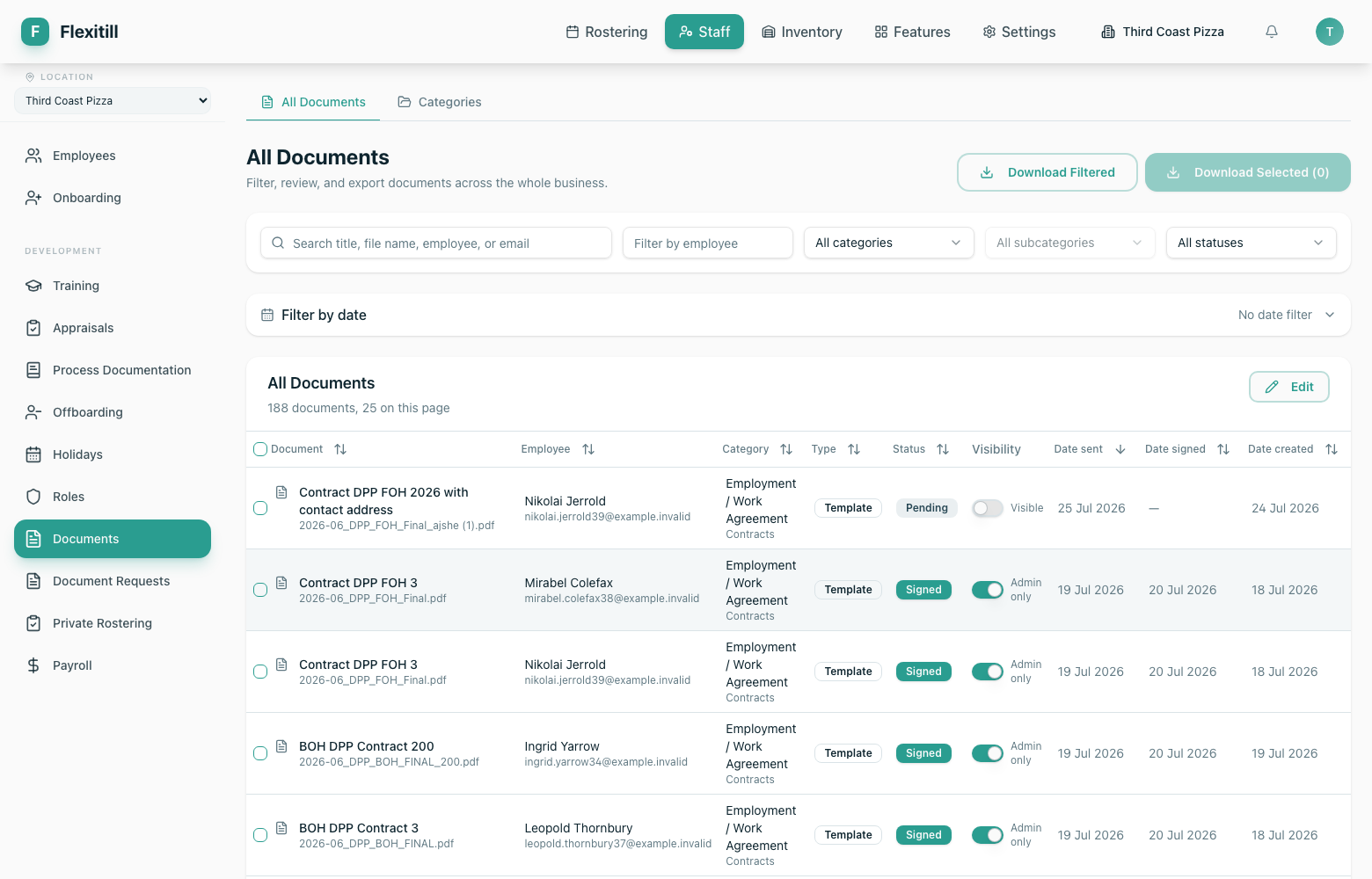
The register of every document across the business, with filters for category, subcategory, status and date, plus bulk download.
| Column | What it shows |
|---|---|
| Document | The document title. |
| Employee | Who it belongs to. |
| Category / Type | How the document is classified. |
| Status | Where it is in the send-and-sign cycle. |
| Visibility | Whether the employee can see it in My Documents. |
| Date sent / signed / created | The audit trail of the document. |
Document requests
Where to find it·Staff → Document Requests
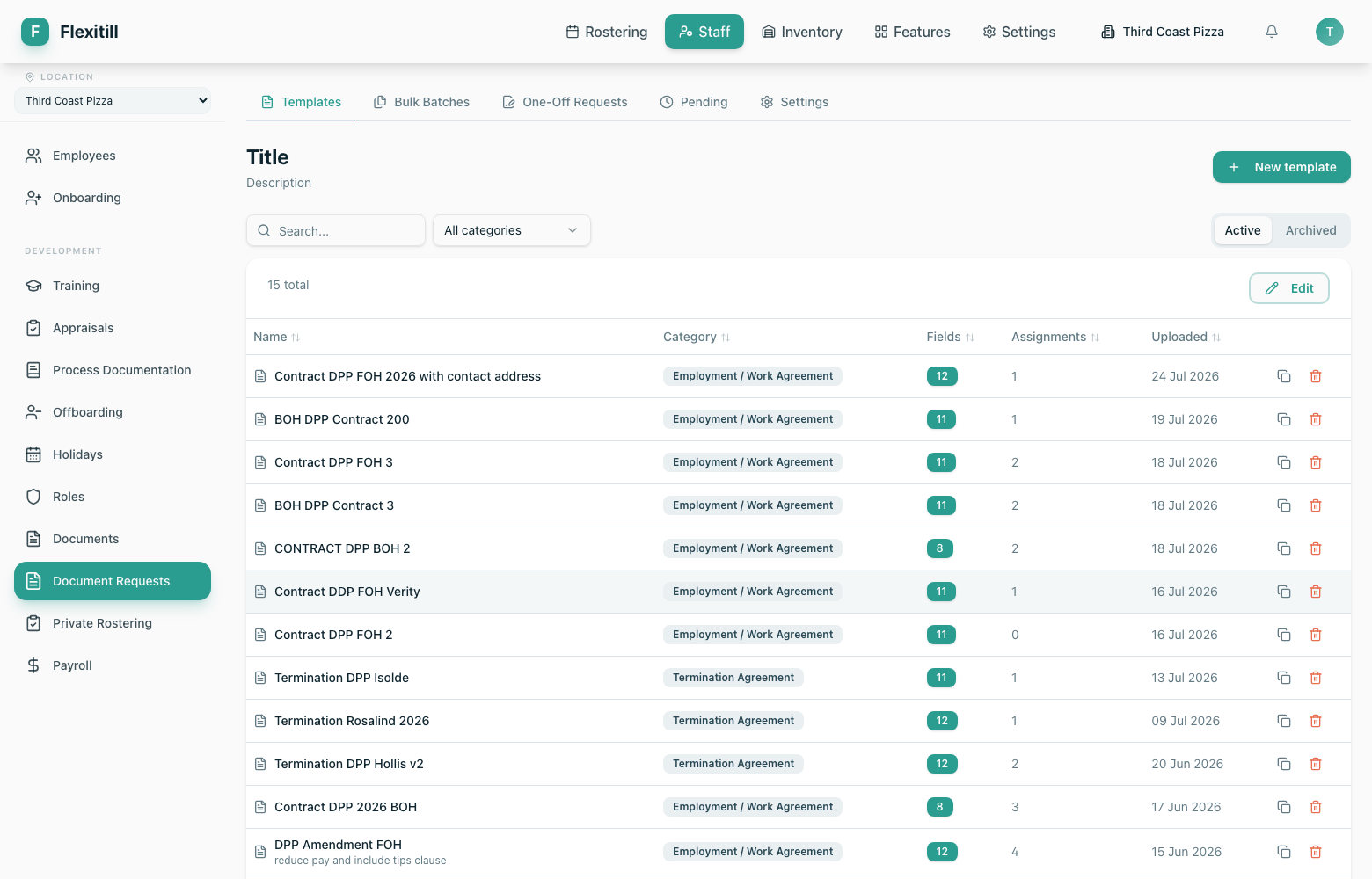
Document requests are templates you send to staff to be completed and signed. A template defines the fields the employee fills in and the fields you lock in advance.
Bulk and one-off sends
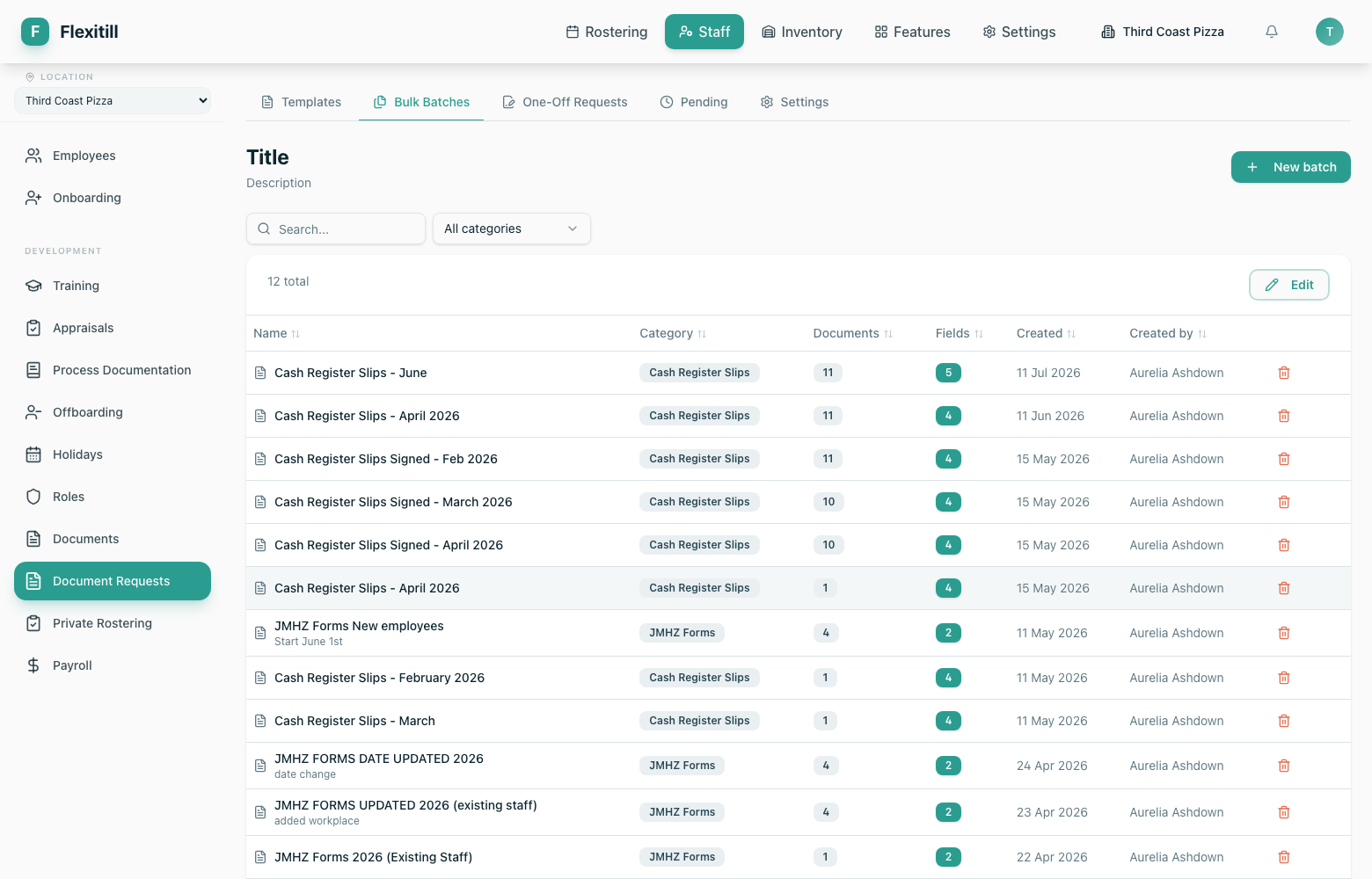
Bulk documents
Send a per-employee document — payslips are the usual case — to many people at once, each with their own file.
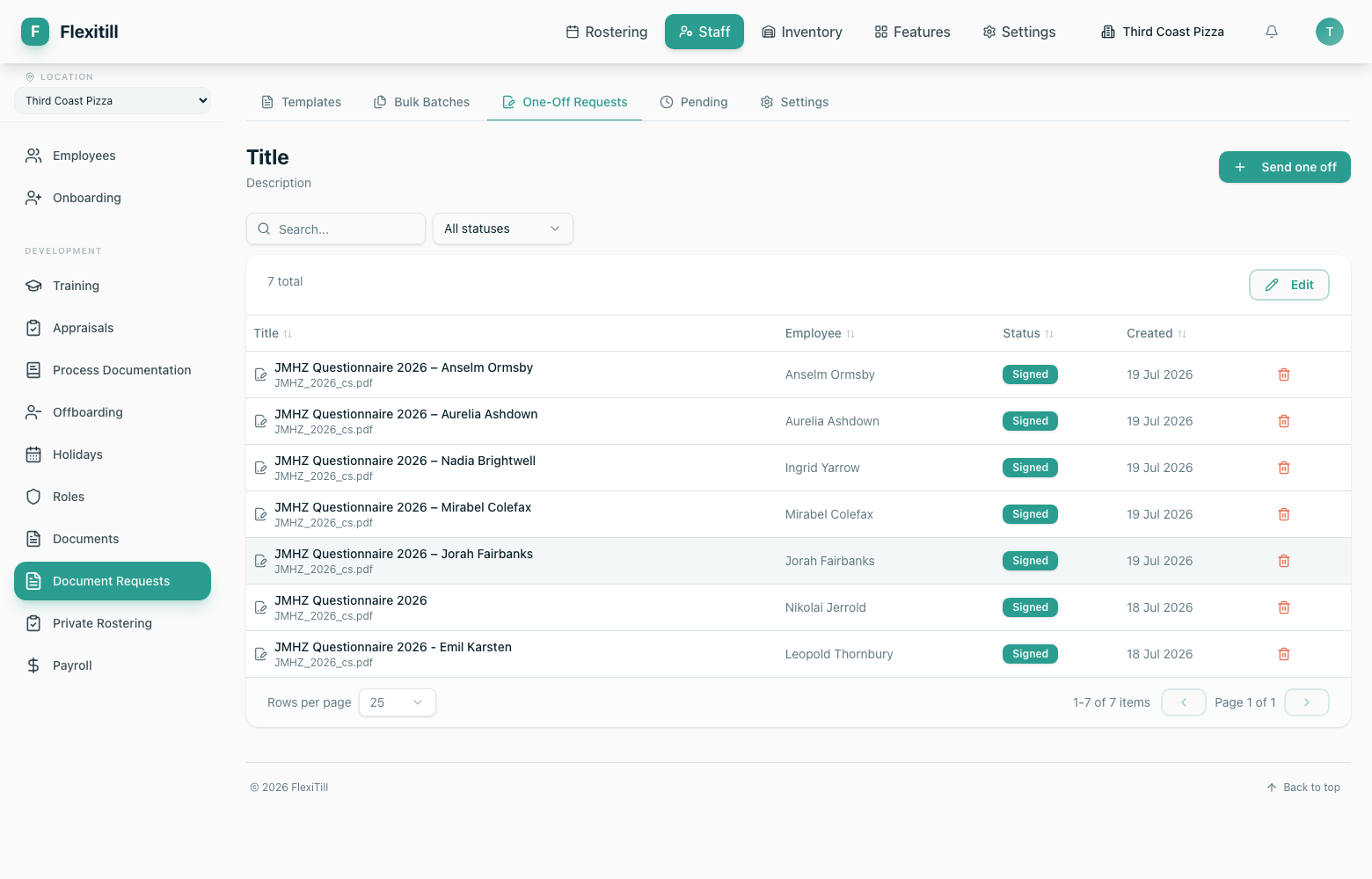
One-off requests
A single document for a single person, outside any template cycle.
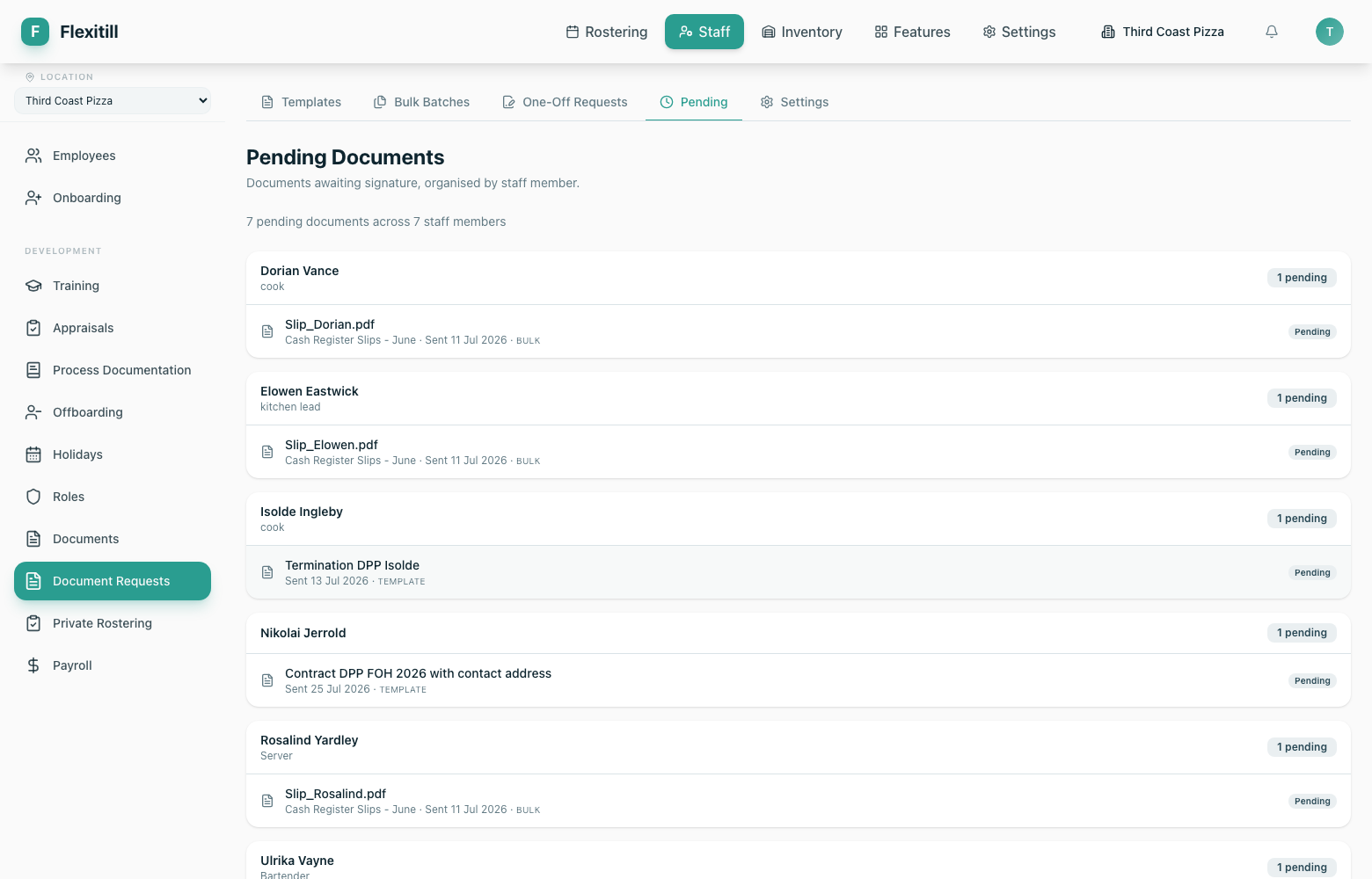
Pending
Everything issued and still awaiting a signature.
Categories and settings
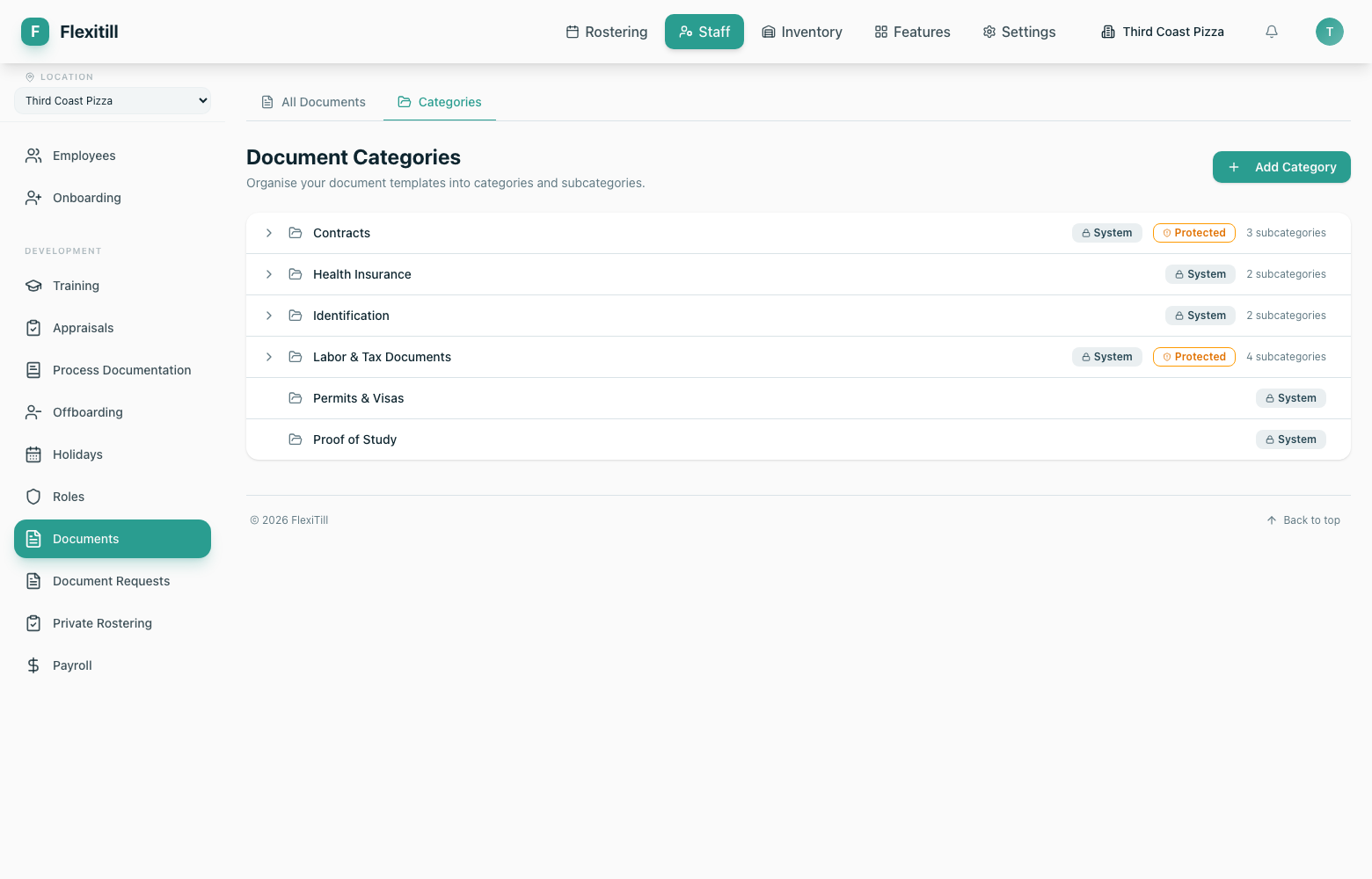
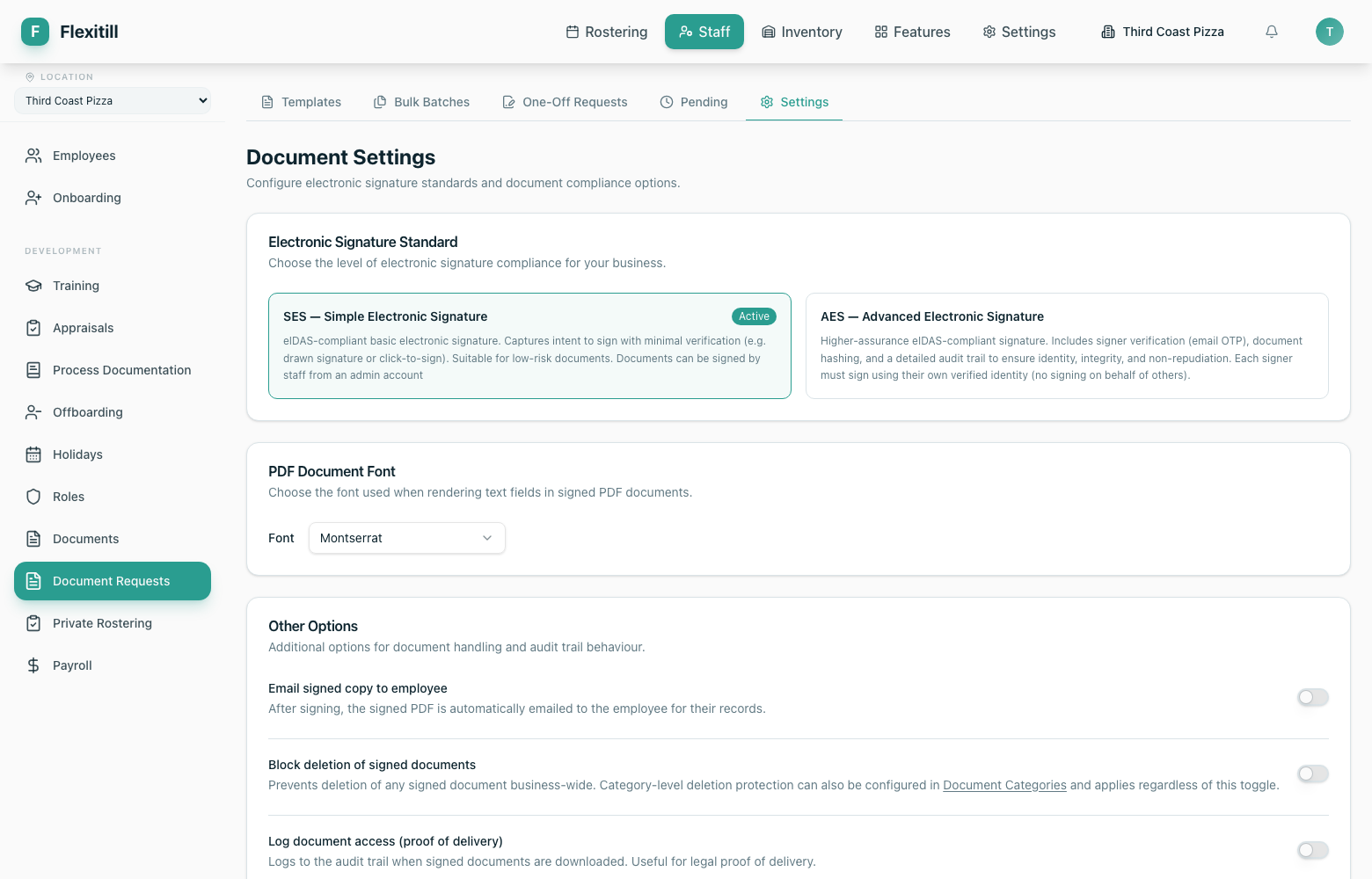
Categories organise the document register; settings control signature requirements and defaults.