Payroll
Monthly payroll runs built from worked hours and pay rates, with adjustments, tips and export.
Payroll runs
Where to find it·Staff → Payroll
A payroll run covers a period and pulls together the hours worked, the applicable rates, and any adjustments. Runs start as a draft, can be reverted while you check them, and are marked paid once settled.
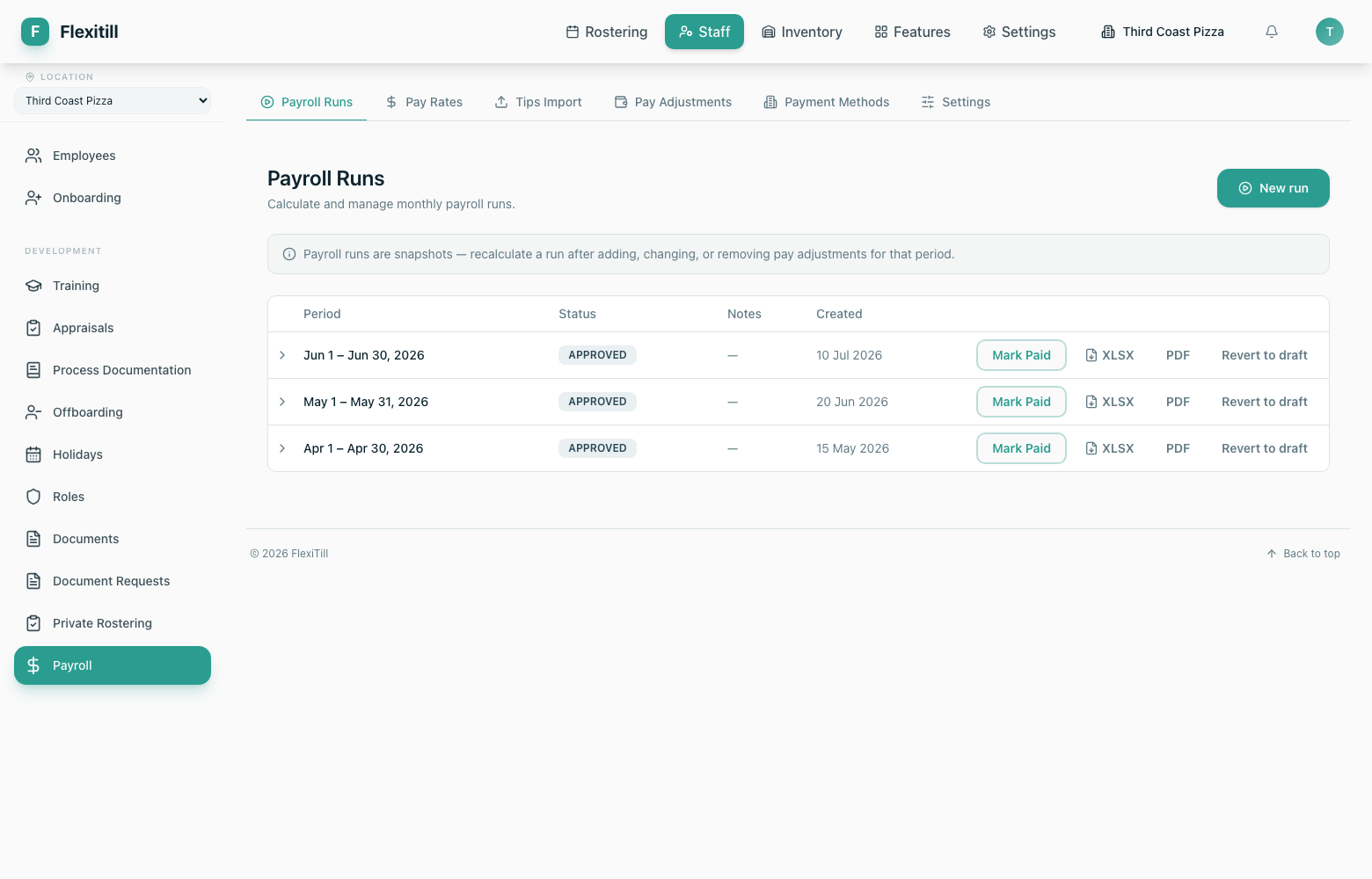
| Column | What it shows |
|---|---|
| Period | The month the run covers. |
| Status | Draft, calculated or paid. |
| Notes | Free text recorded against the run. |
| Created | When the run was generated. |
New run
Generates a run for a period from worked hours and rates.
Revert to draft
Reopens a run so figures can be corrected.
Mark Paid
Closes the run once payment has been made.
XLSX / PDF
Exports the run for your accountant or bank.
Pay rates
Where to find it·Staff → Payroll → Pay Rates
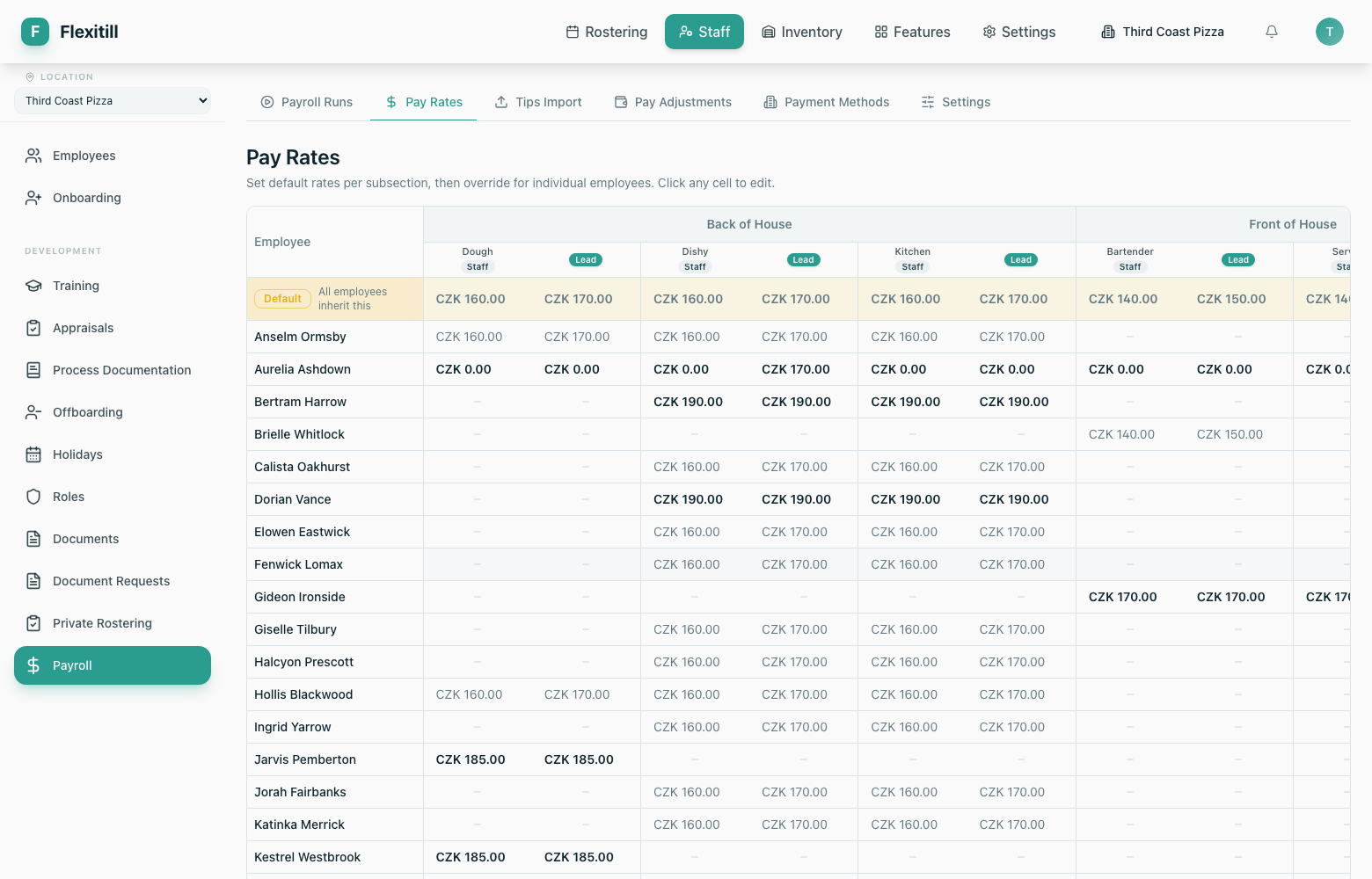
The rate grid sets a default rate per subsection and lets you override it for individual employees. Click a cell to edit it in place.
Adjustments, tips and payment methods
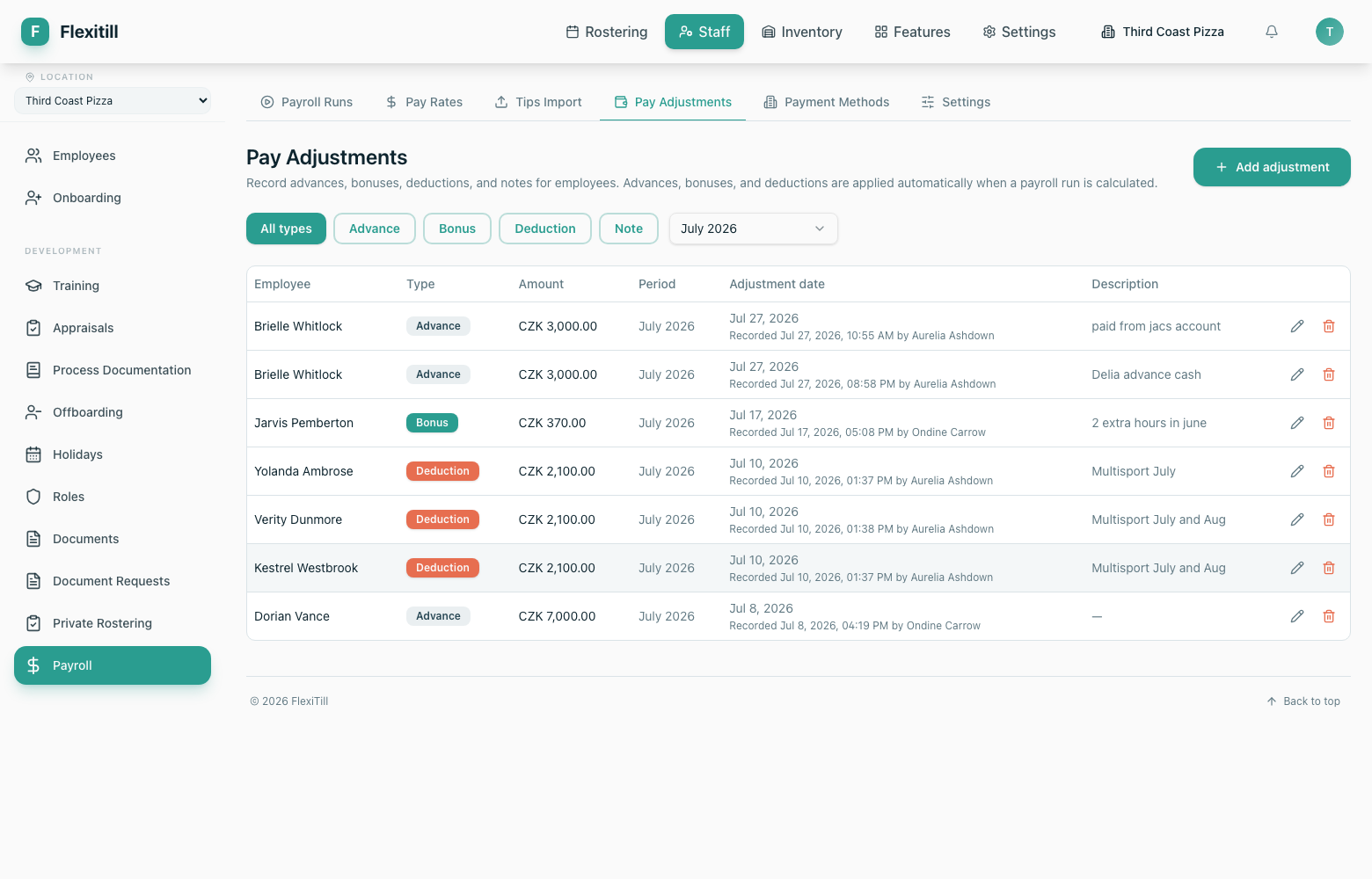
Pay adjustments
One-off additions and deductions applied to a run — bonuses, corrections, deductions.
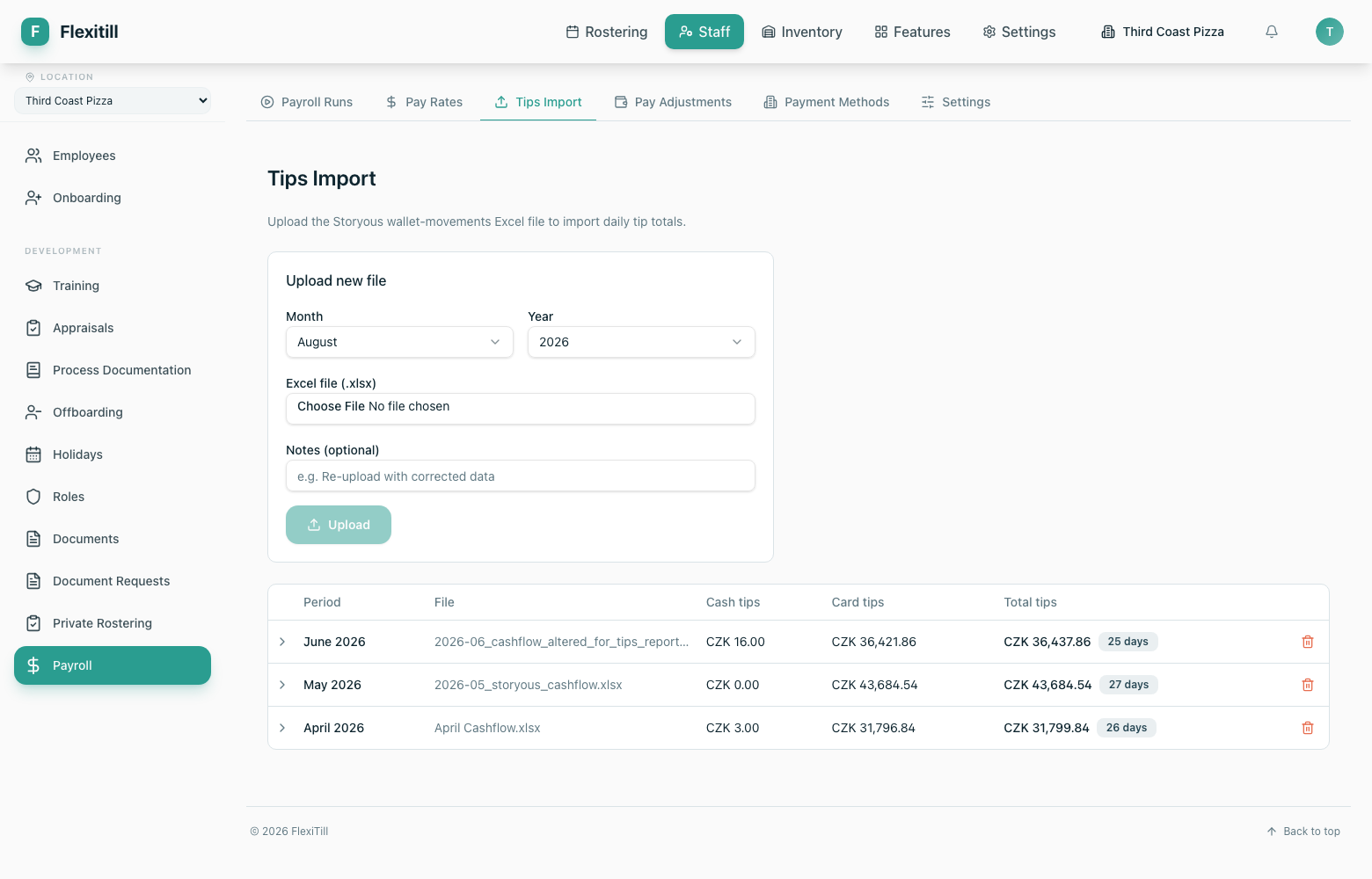
Tips import
Bring tip totals in from an external source so they can be allocated and paid alongside wages.
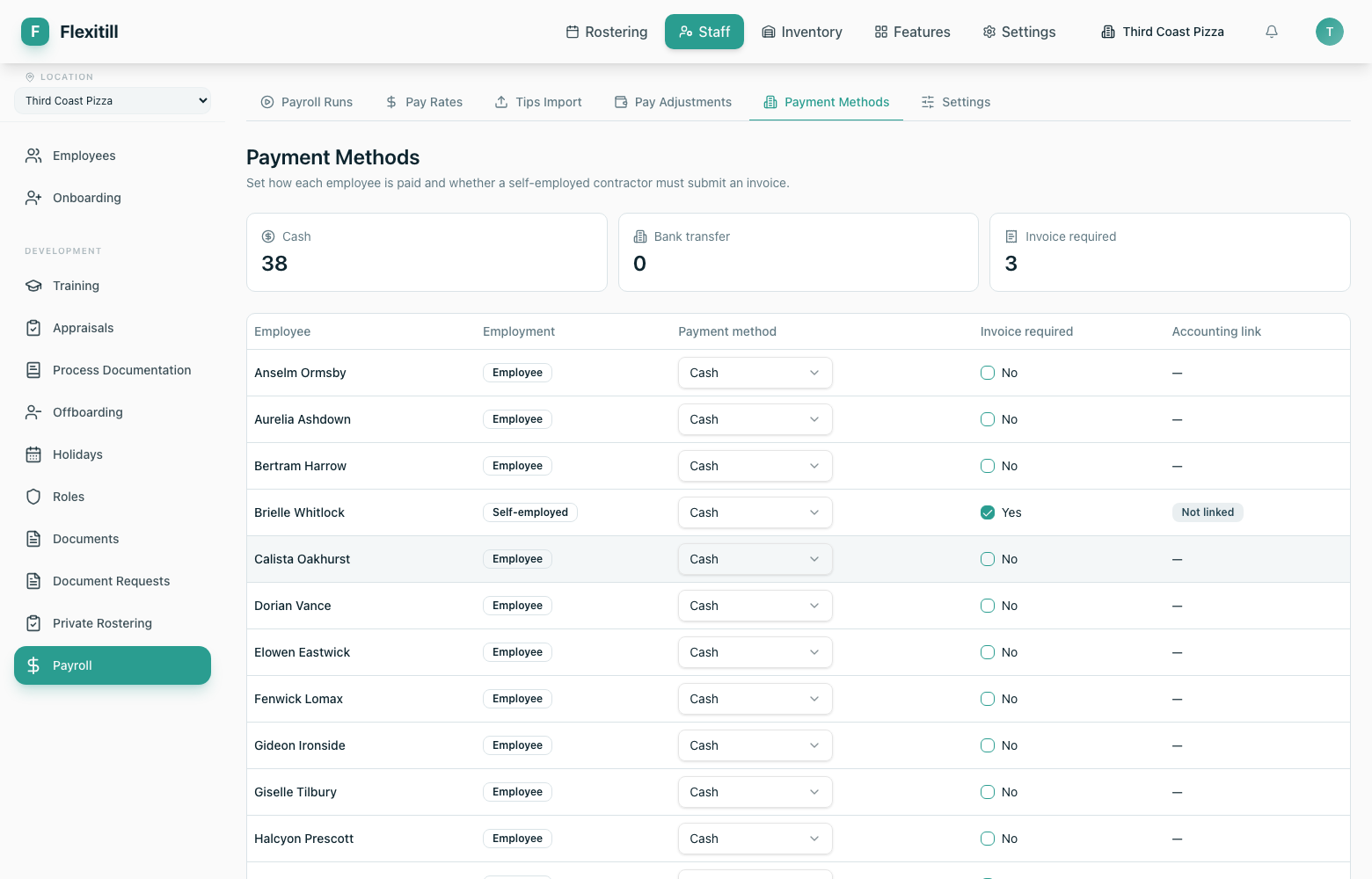
Payment methods
How each employee is paid.
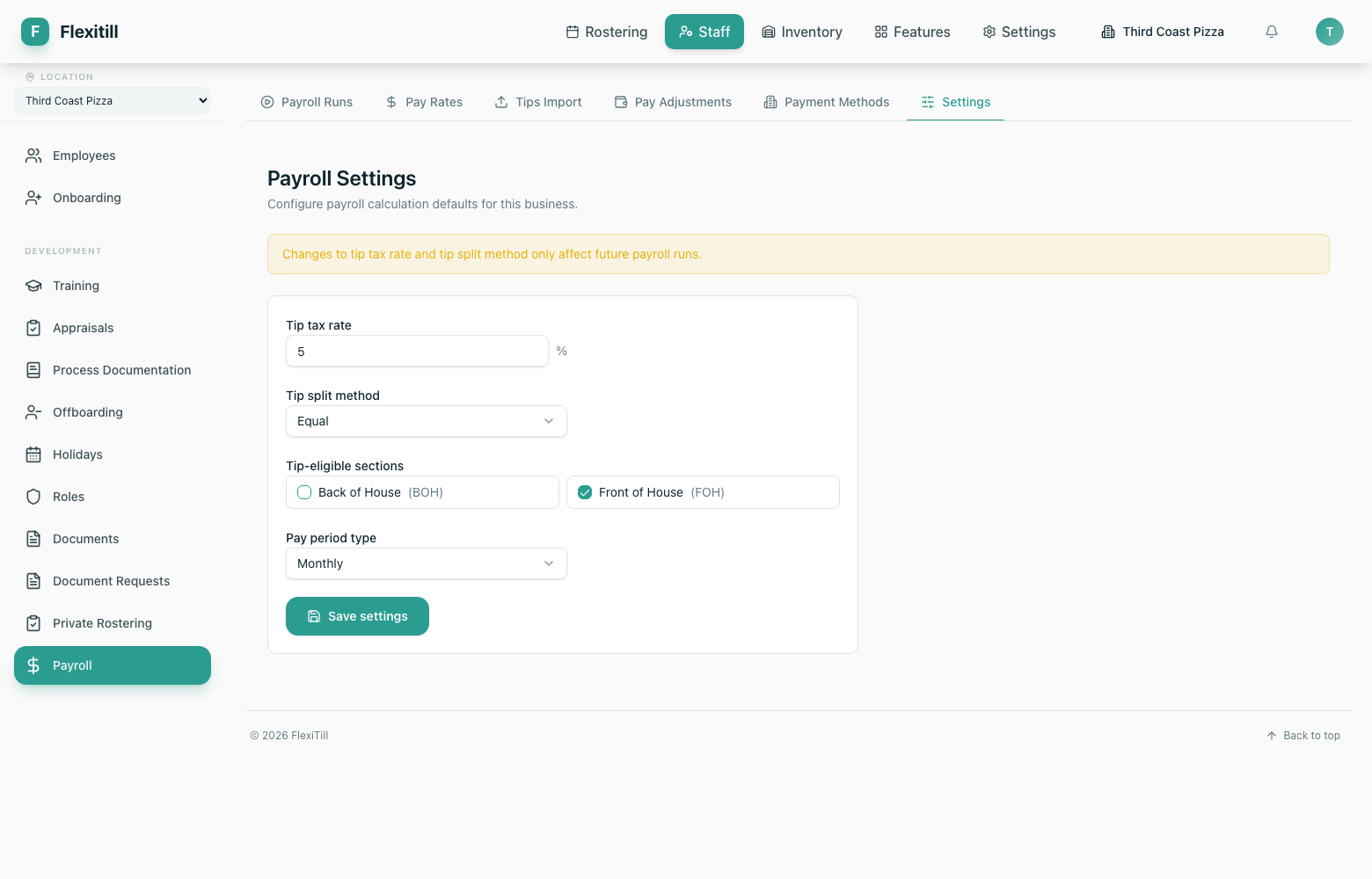
Name mappings and settings
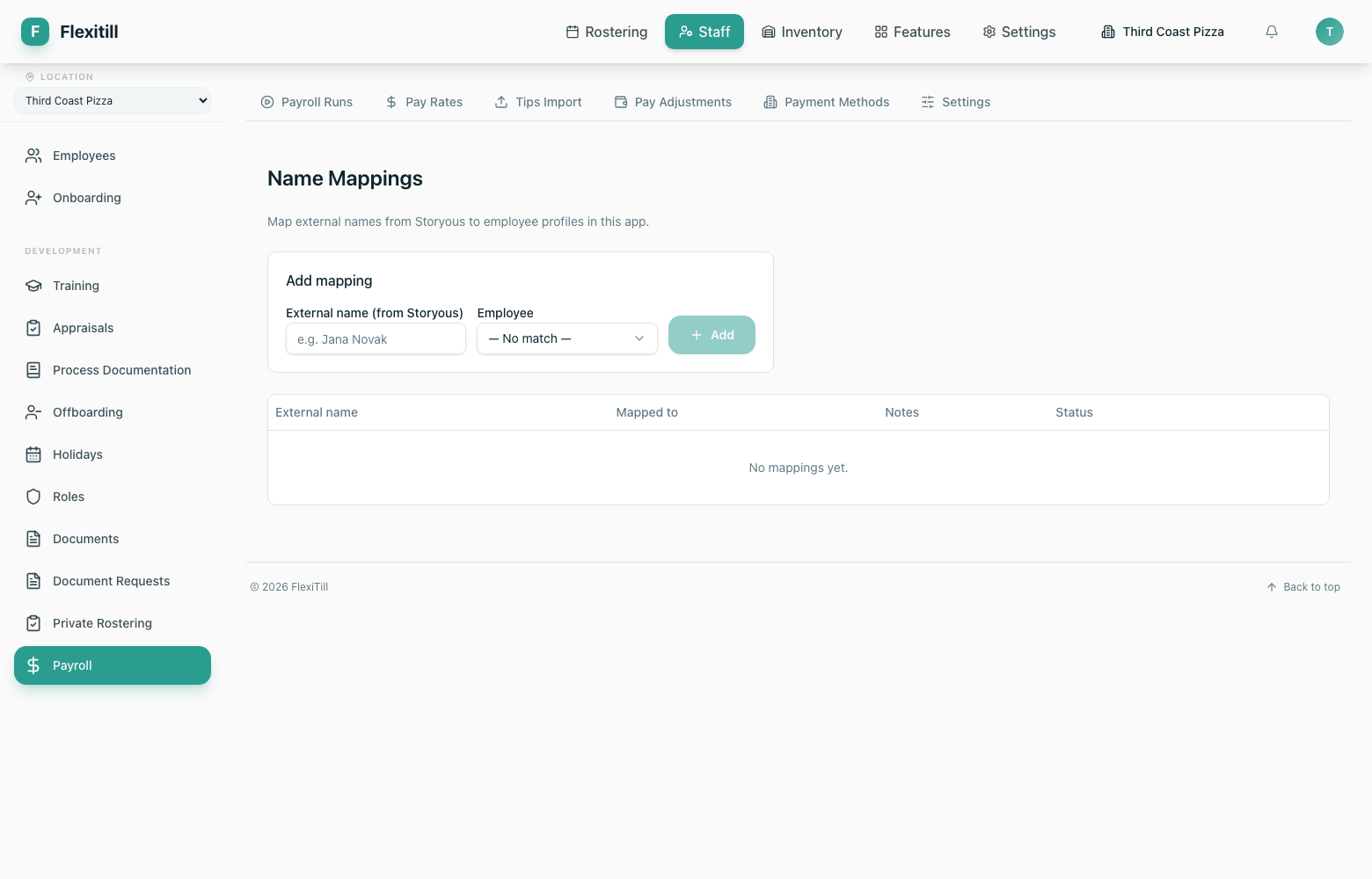
Name mappings reconcile the names used by an external system — a POS or a tips export — with the employee records in Flexitill, so imports attach to the right person.