Reports
Sales, demand, payment mix and worked hours, with saved views and export.
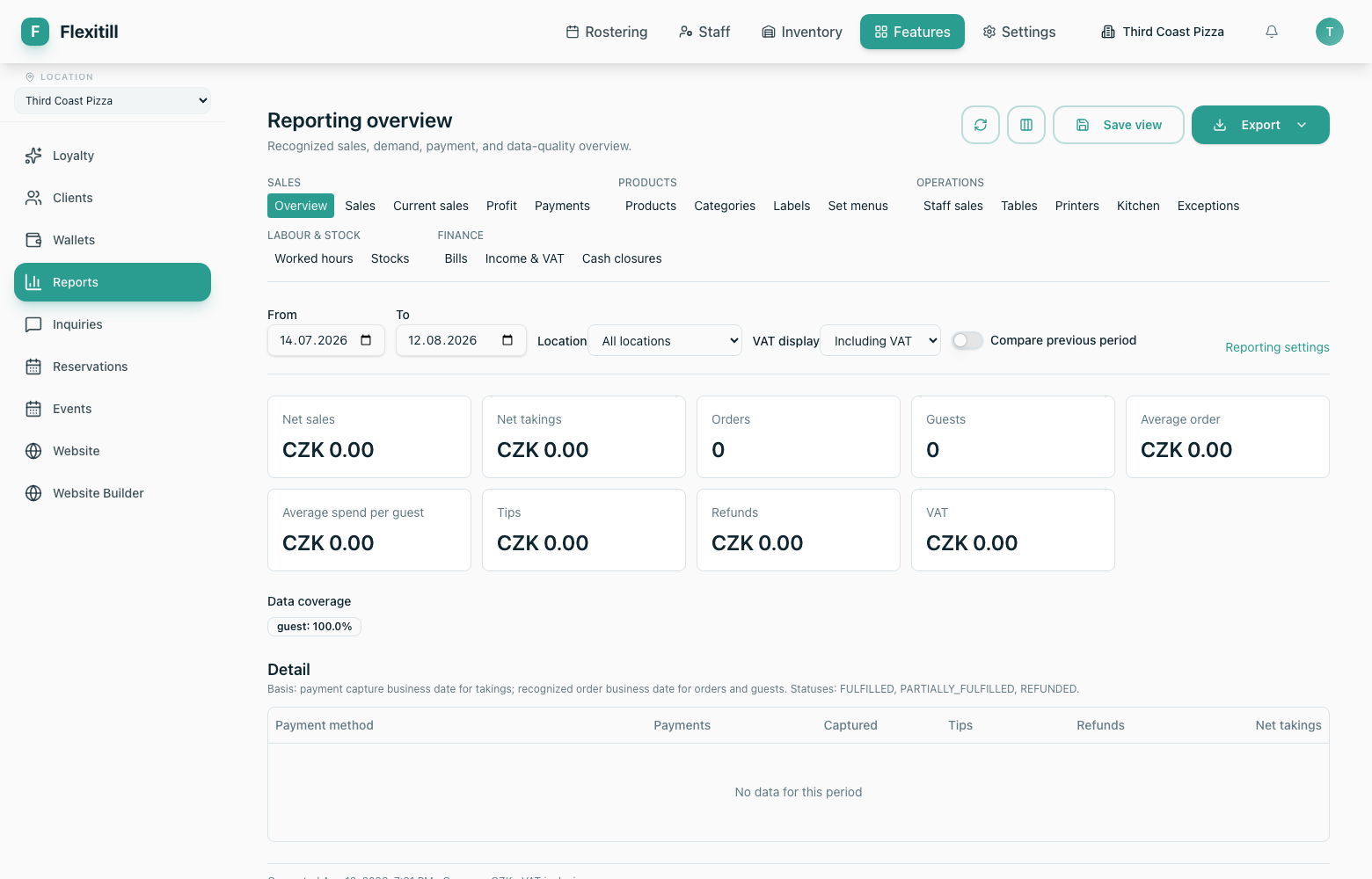
Reporting overview
Where to find it·Reports
The overview gathers recognised sales, demand, payment and data-quality figures for a period. Individual reports drill into each area.
Individual reports
Each report covers a date range you choose, can be saved as a view for reuse, and exported.
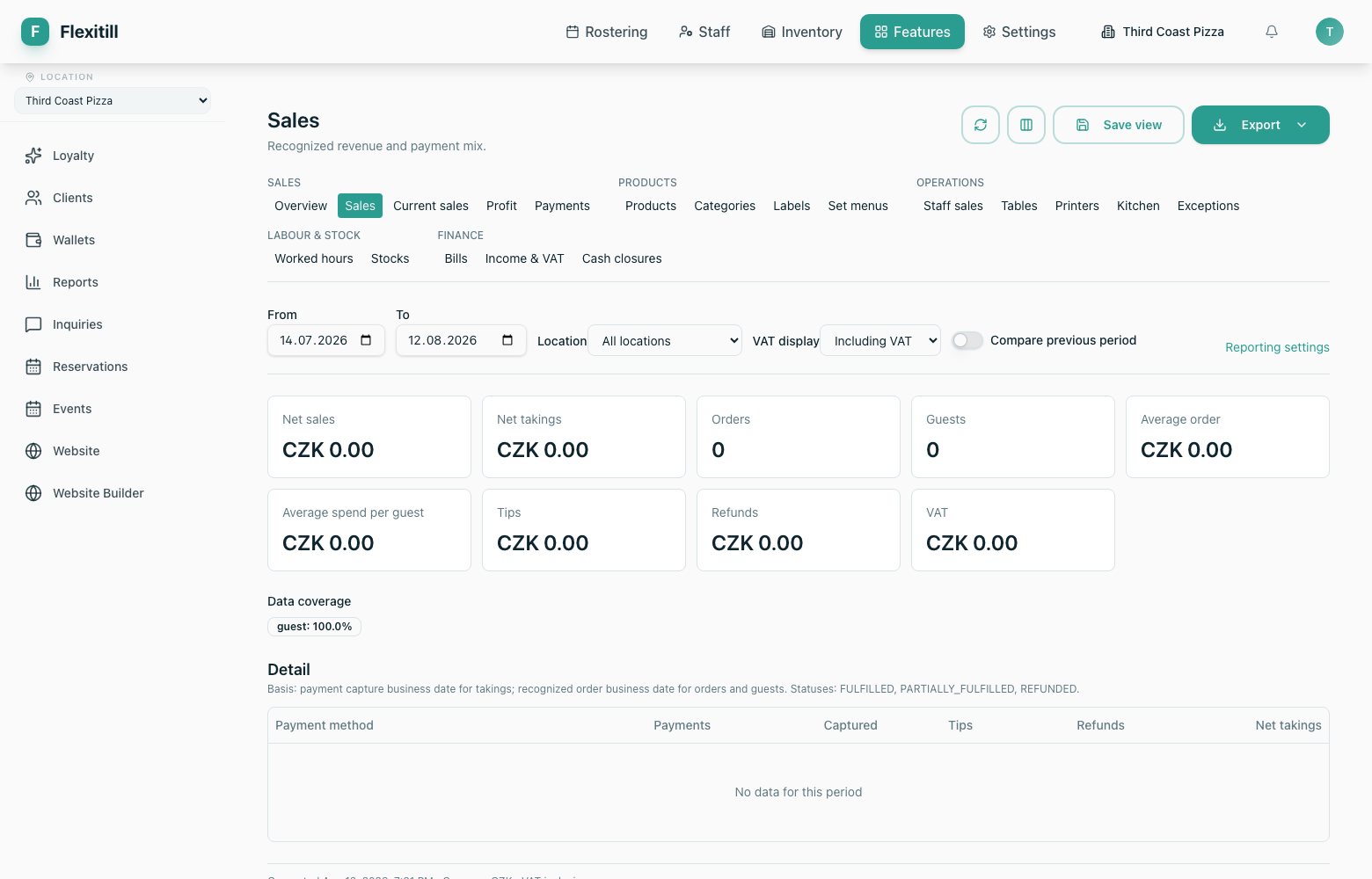
Sales
Recognised revenue and payment mix.
Worked hours
Hours by employee and period — this is where Attendance Statistics now points.
Cash wallets
Cash reporting, which opens the Cash Wallets module.
Save view / Export
Keep a configured report for reuse, or take the figures out.
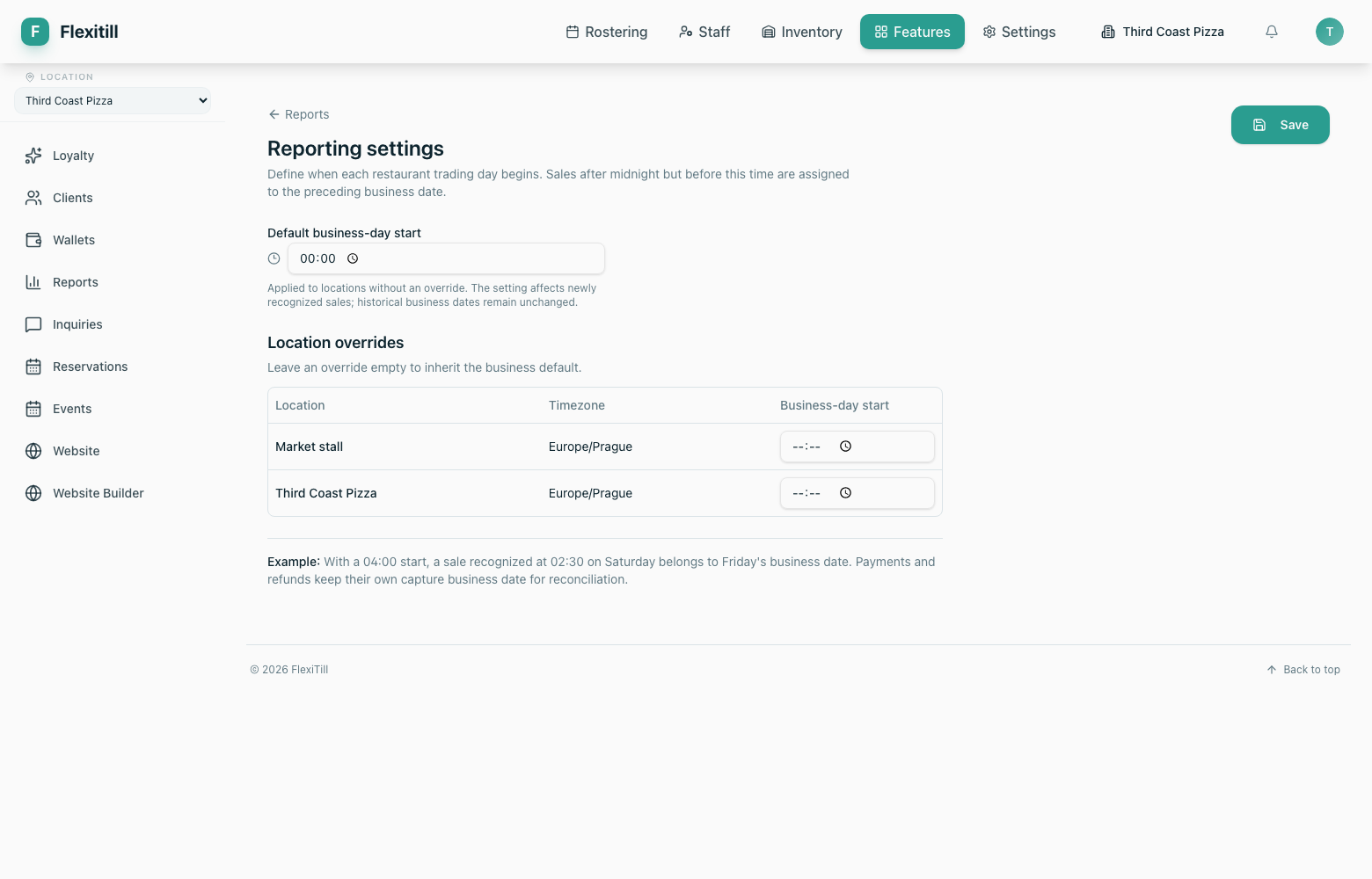
Reporting settings
Where to find it·Reports → Settings
Define when each trading day begins — important where service runs past midnight, since it determines which day a sale counts towards.