Equipment
Your equipment register, recurring checklists, service records and damage reports.
The equipment register
Where to find it·Settings → Equipment
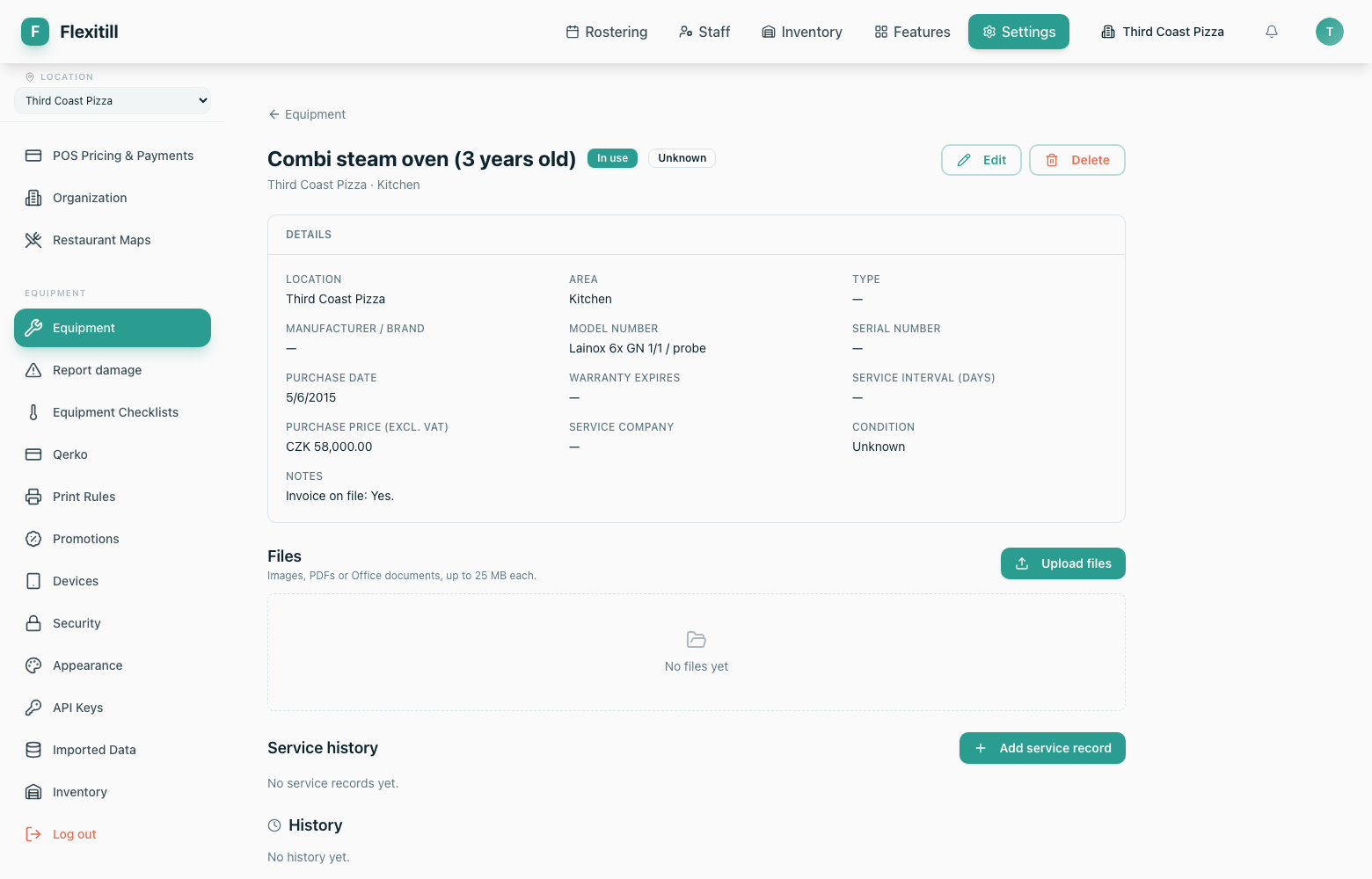
Every piece of equipment is recorded with its type, the area it lives in, its condition and its service position. Fridges and freezers are ordinary equipment here — there is no separate temperature module.
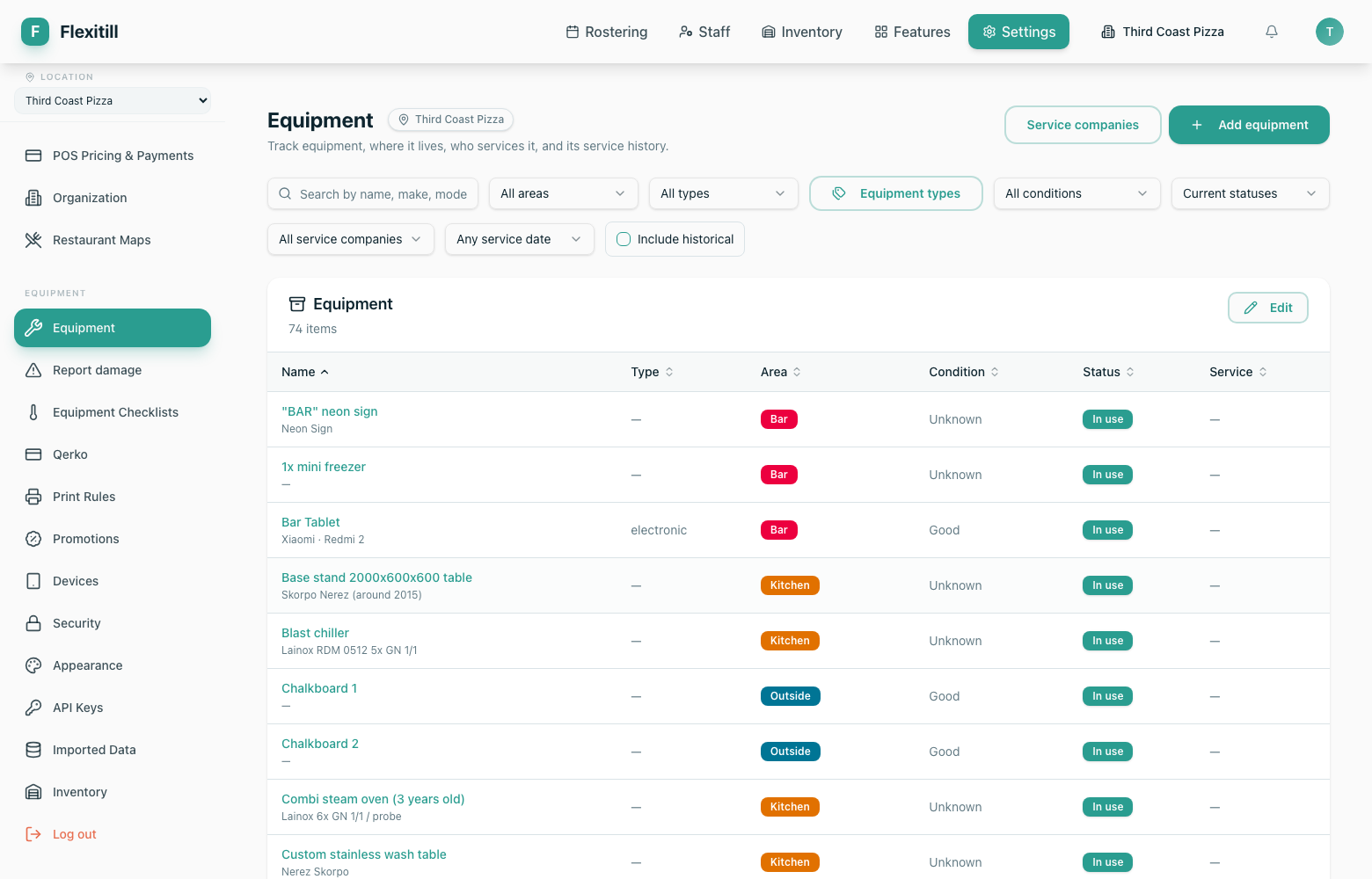
| Column | What it shows |
|---|---|
| Name | What the item is called on the floor. |
| Type | A user-defined equipment type, e.g. oven, fridge, mixer. |
| Area | Where it is located. |
| Condition | Its current physical condition. |
| Status | Its lifecycle state — in service, retired, and so on. |
| Service | Service history and next due date. |
Checklists
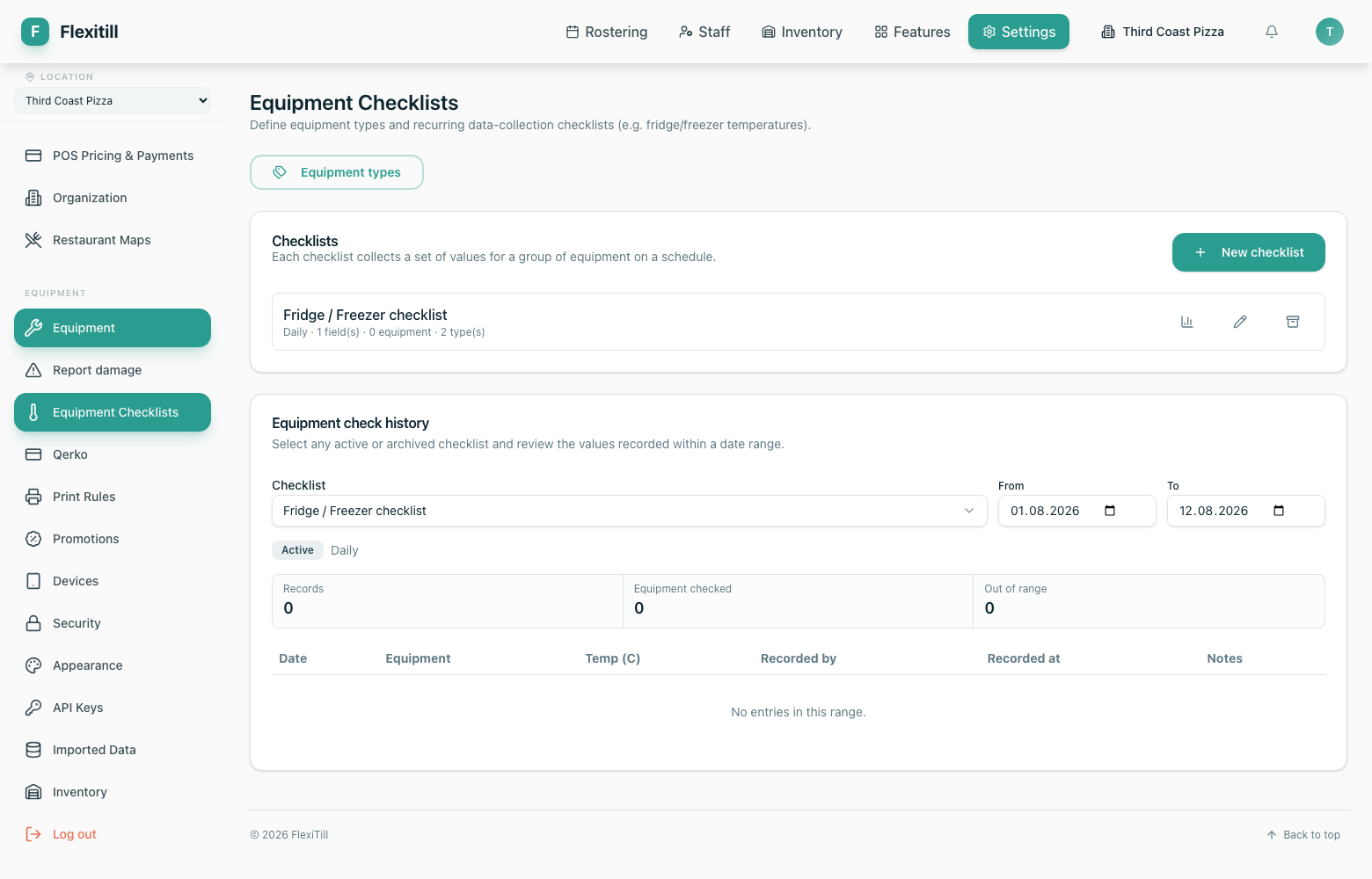
Where to find it·Settings → Equipment → Checklists
Checklists are recurring data-collection rounds against equipment types — a daily fridge temperature round, a weekly safety check. You define the fields, and the readings are recorded against each item.
Reporting damage
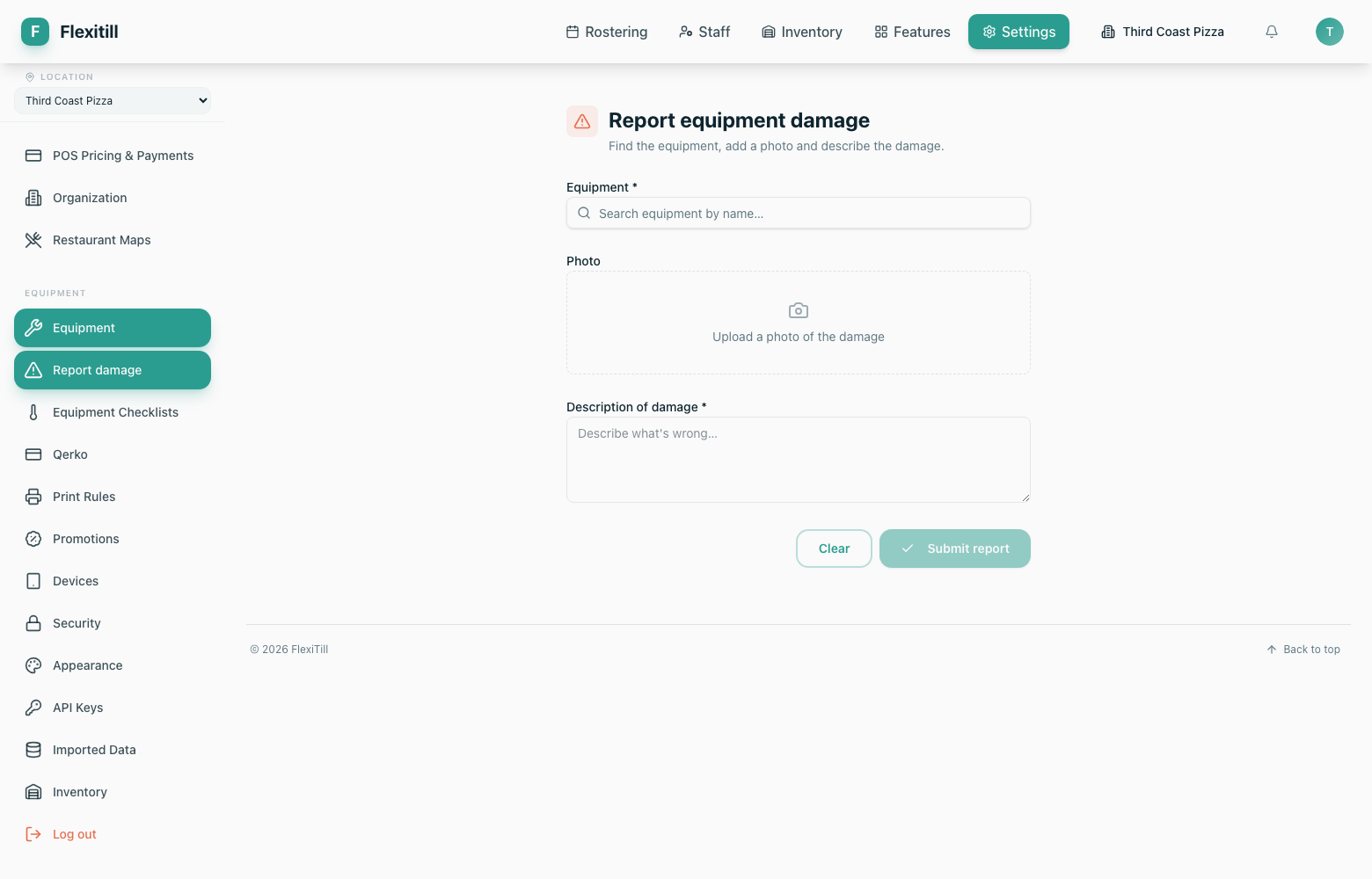
Where to find it·Settings → Equipment → Report Damage
Staff report a fault against a specific item, attach a photo and describe the problem. The report is then tracked to resolution.