Devices & POS
Pairing station devices, configuring the point of sale, print routing and restaurant floor maps.
Devices
Where to find it·Settings → Devices
Devices are added by pairing rather than by typing credentials: you generate a one-time code here and enter it on the device. Once paired, a device can be renamed, classified and assigned to a location.
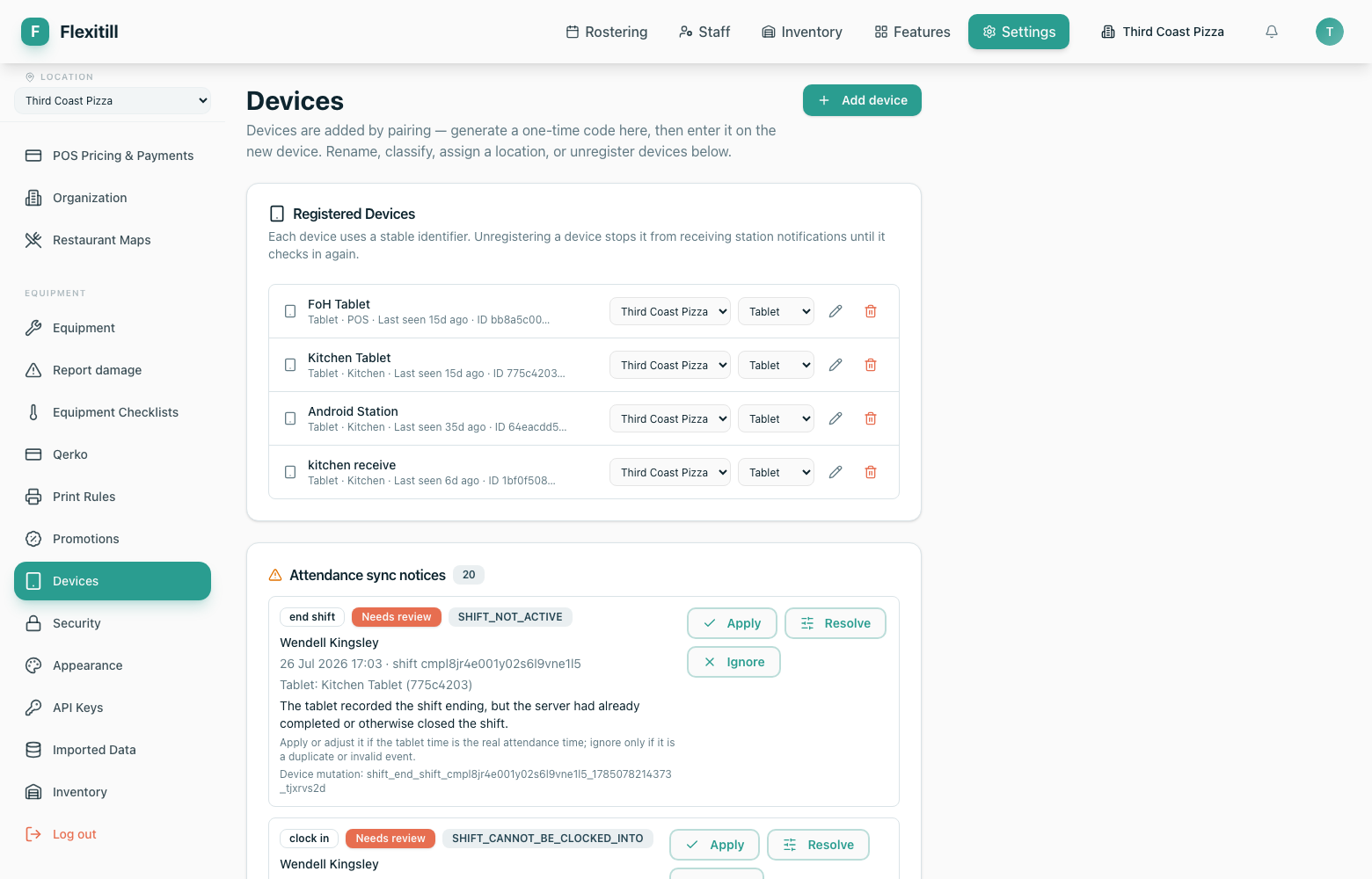
- 1Open Settings → Devices and click Add device.
- 2Generate a one-time pairing code.
- 3On the new device, enter the code.
- 4Back in Flexitill, name the device and assign it a location and type.
POS pricing and payments
Where to find it·Settings → POS
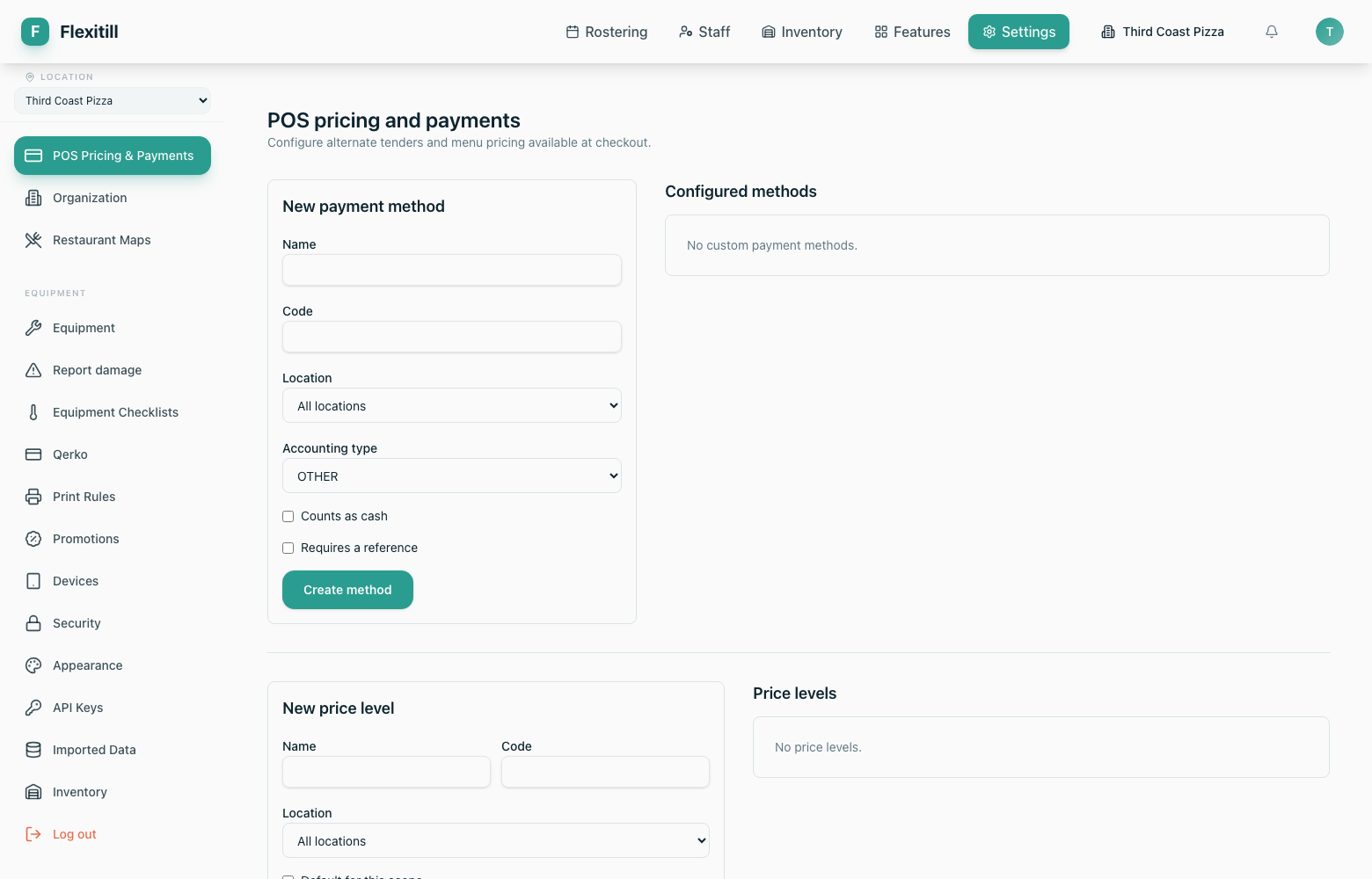
How the till prices items and which payment methods it offers, including card and QR payment options.
Czech EET 2.0
Print rules
Where to find it·Settings → Print Rules
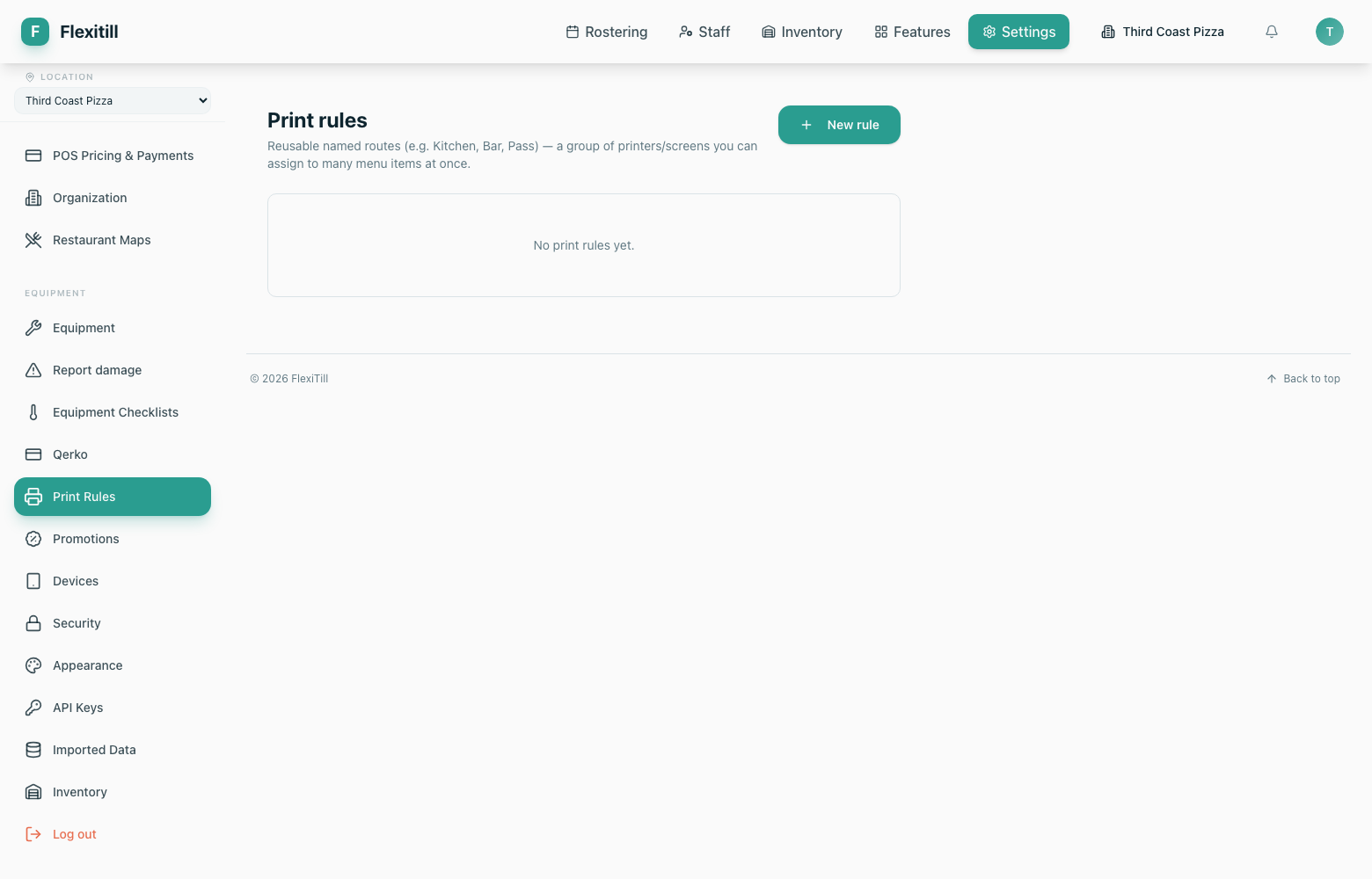
A print rule is a named route — Kitchen, Bar, Pass — pointing at a group of printers or screens. Menu items are routed to a rule rather than to a specific printer, so swapping hardware does not mean re-configuring the menu.
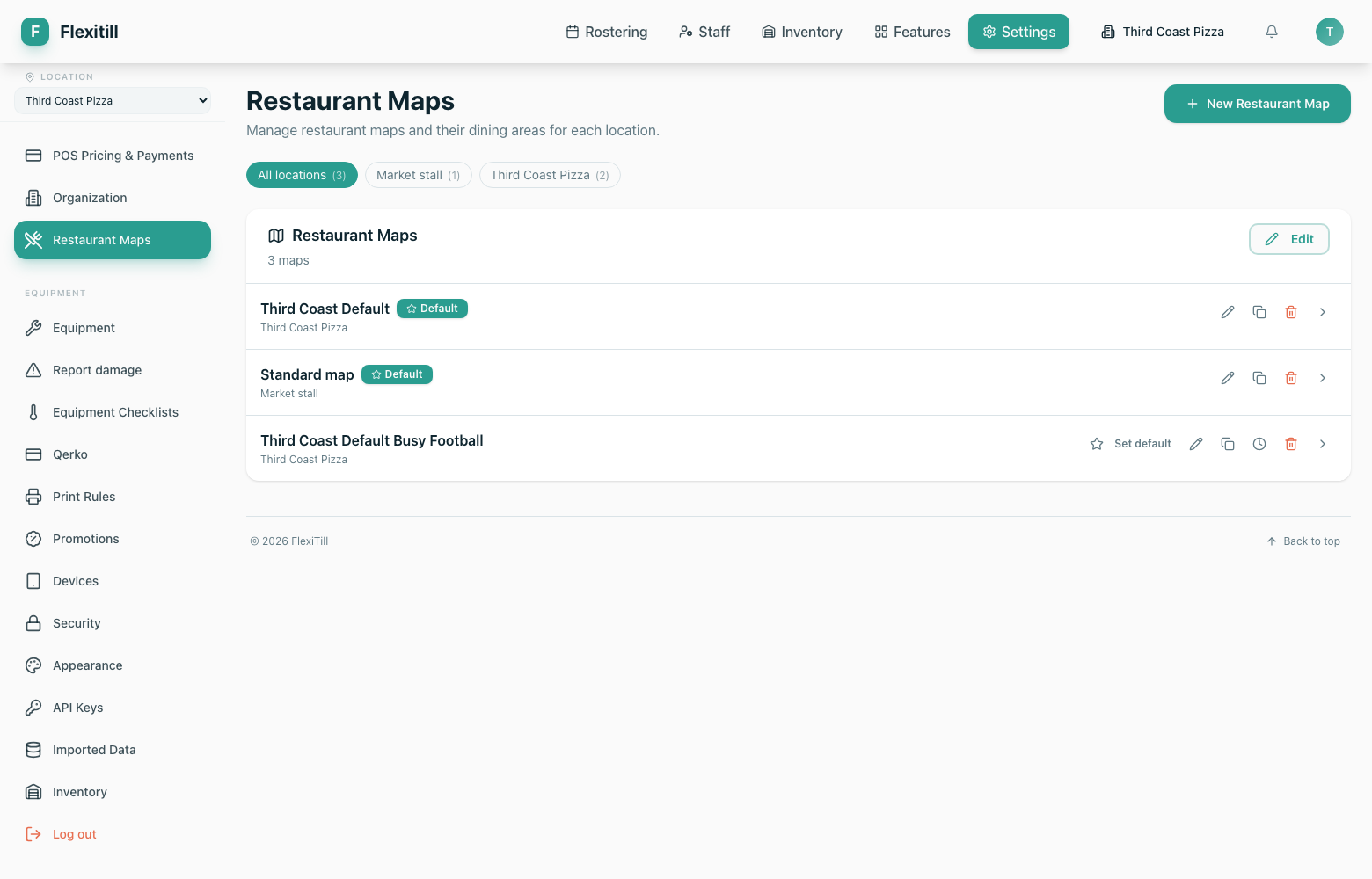
Restaurant maps
Where to find it·Settings → Restaurant Maps
The floor plan behind the Tables screen — dining areas and the tables within them.
Qerko
Where to find it·Settings → Qerko
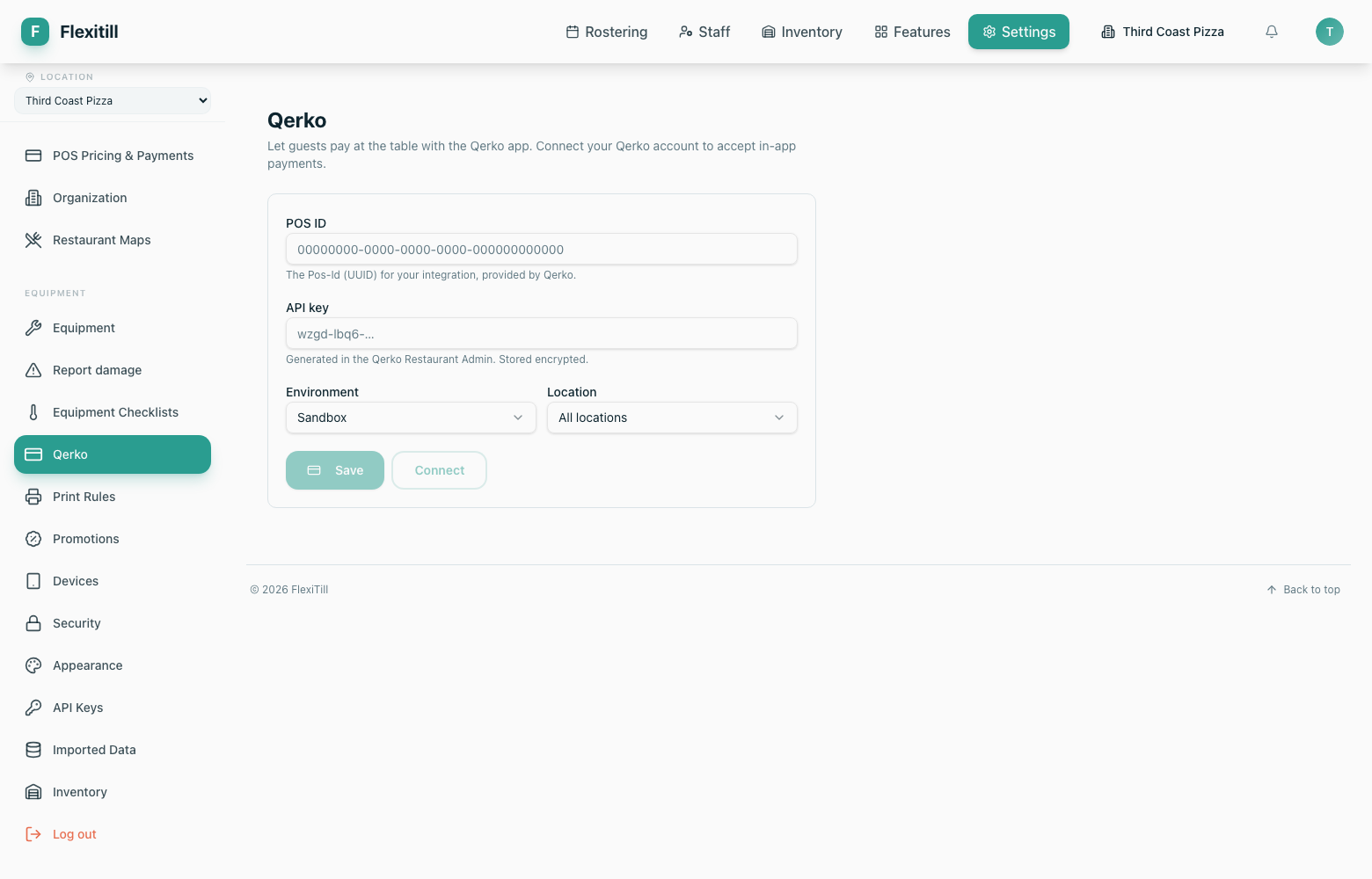
Configuration for the Qerko payment integration.