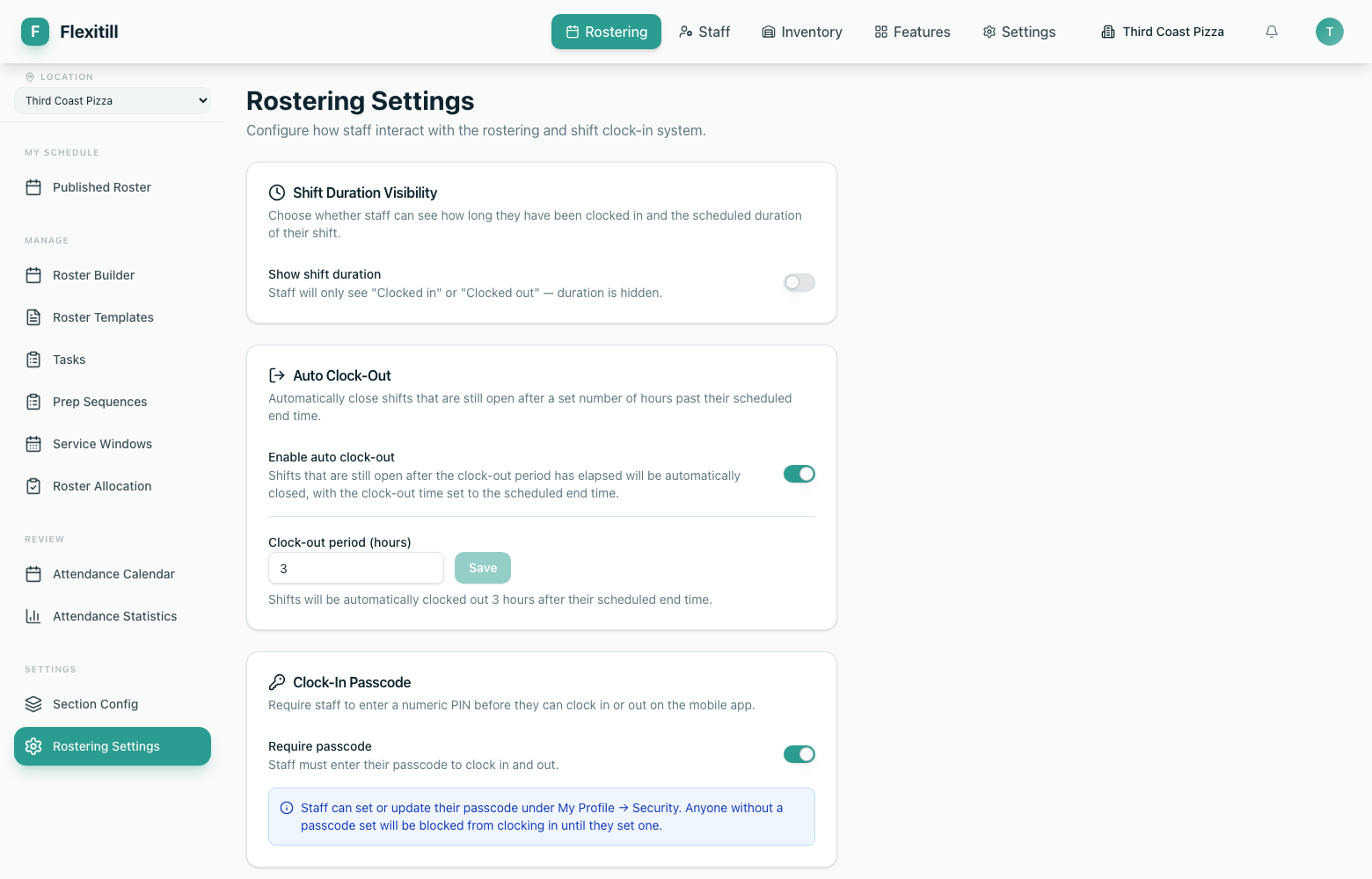
Rostering
Build, publish and manage staff rotas — from the week-by-week builder through templates, sections, service windows and allocation.
The roster builder
Where to find it·Rostering → Roster Builder
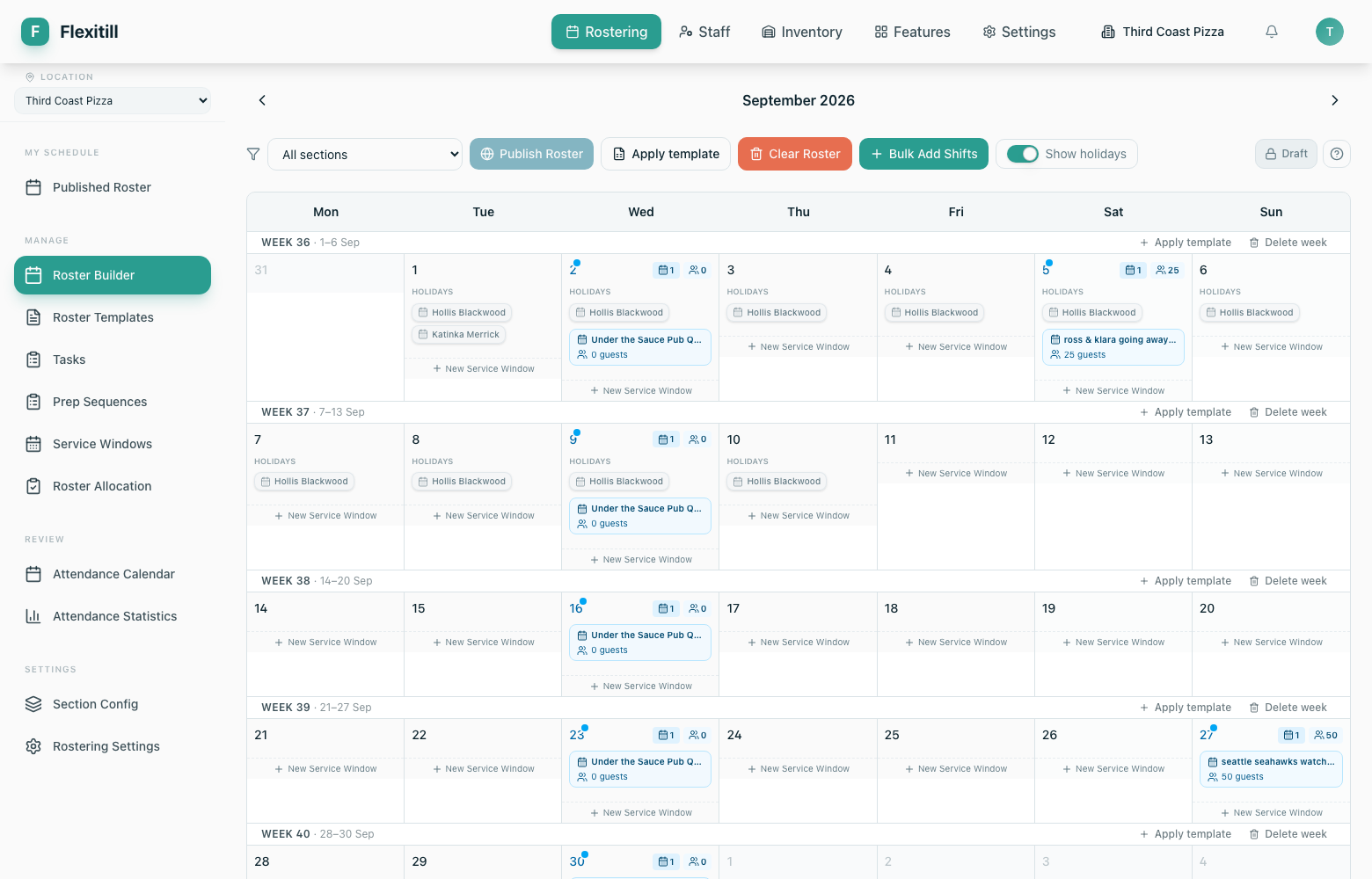
The builder is a month grid, split into weeks. Each day cell holds the service windows for that day and the shifts assigned within them. Holidays are shown inline so you never roster someone who is away.
Publish Roster
Makes the draft visible to staff. Until published, the rota is a draft only you can see.
Apply template
Drops a saved weekly pattern onto a week instead of building it from scratch.
Bulk Add Shifts
Creates many shifts in one pass rather than one at a time.
Clear Roster
Empties the current draft week so you can start again.
Show holidays
Toggles approved holidays on and off in the grid.
Section filter
Narrows the grid to a single section, e.g. Back of House.
Published roster
Where to find it·Rostering → Published Roster
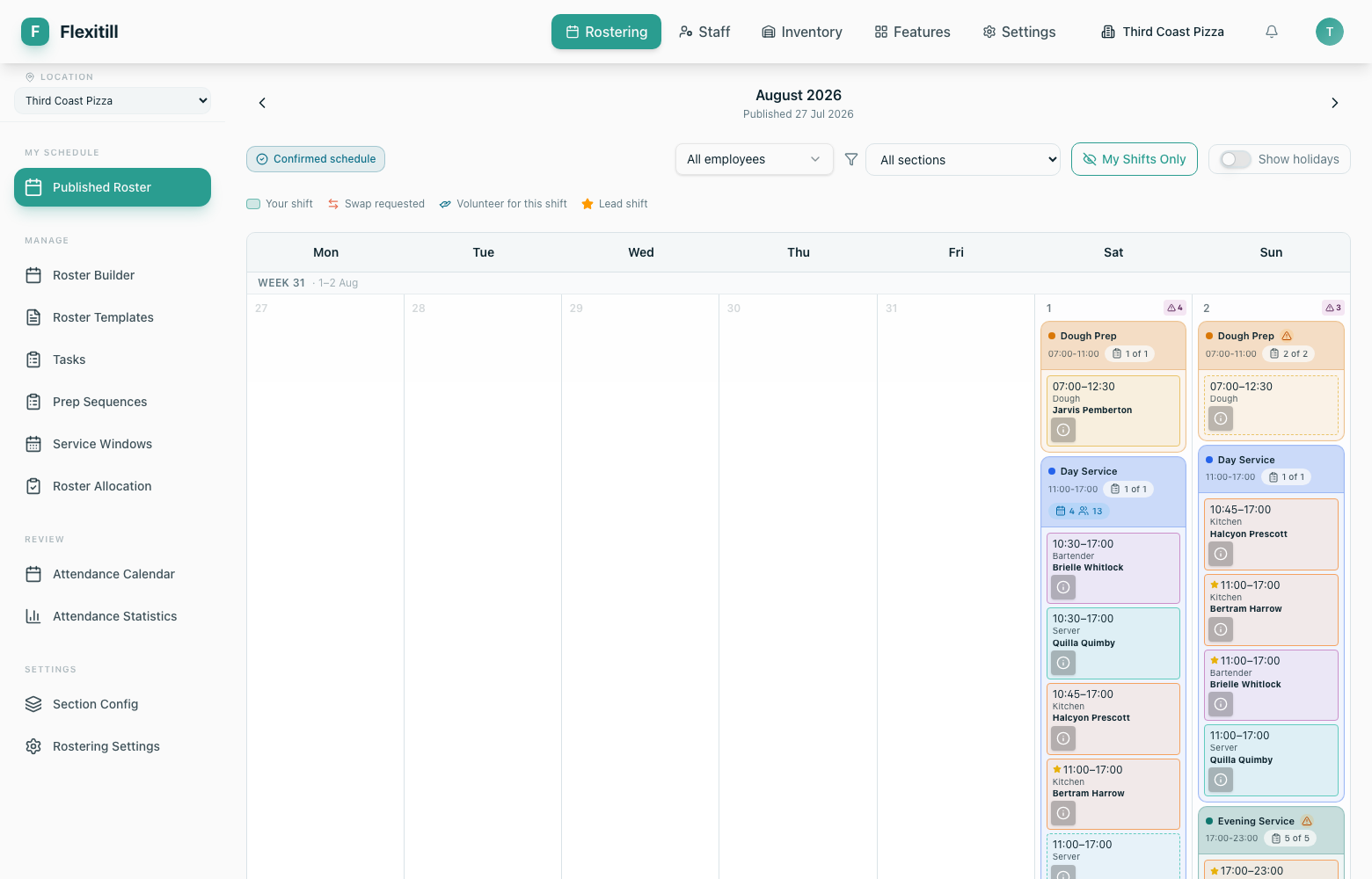
The published view is what your team sees. Use it to check what staff are actually looking at after you publish.
Roster templates
Where to find it·Rostering → Roster Templates
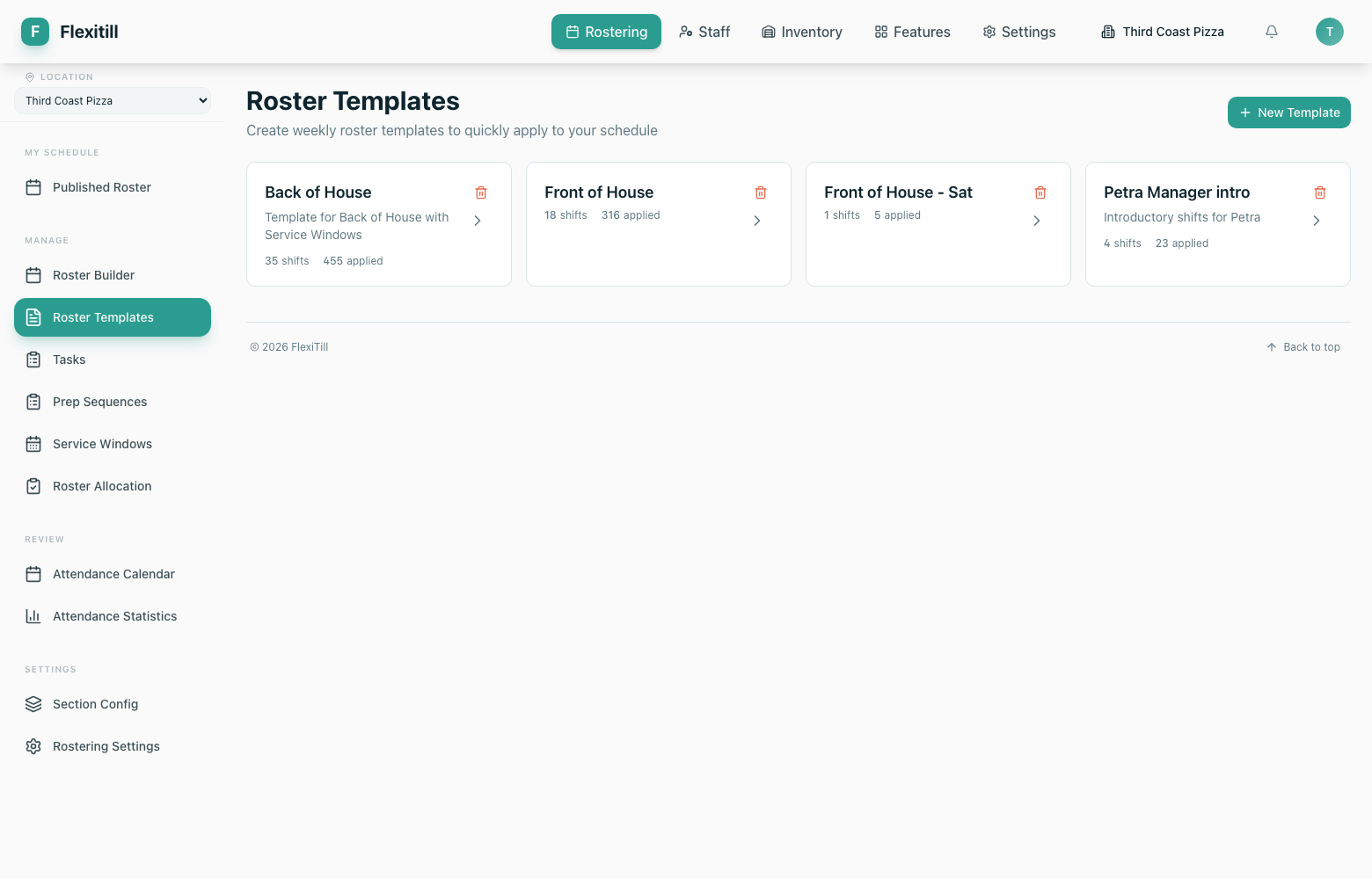
If most weeks look alike, save the pattern as a template and apply it to future weeks. Templates hold the shape of the week — which sections run, on which days, at which times.
- 1Open Rostering → Roster Templates.
- 2Create a template and give it a name that describes the pattern, e.g. Standard Week or Summer.
- 3Define the shifts for each day of the week.
- 4Back in the Roster Builder, use Apply template on the week you want to fill.
Sections and service windows
Sections & subsections
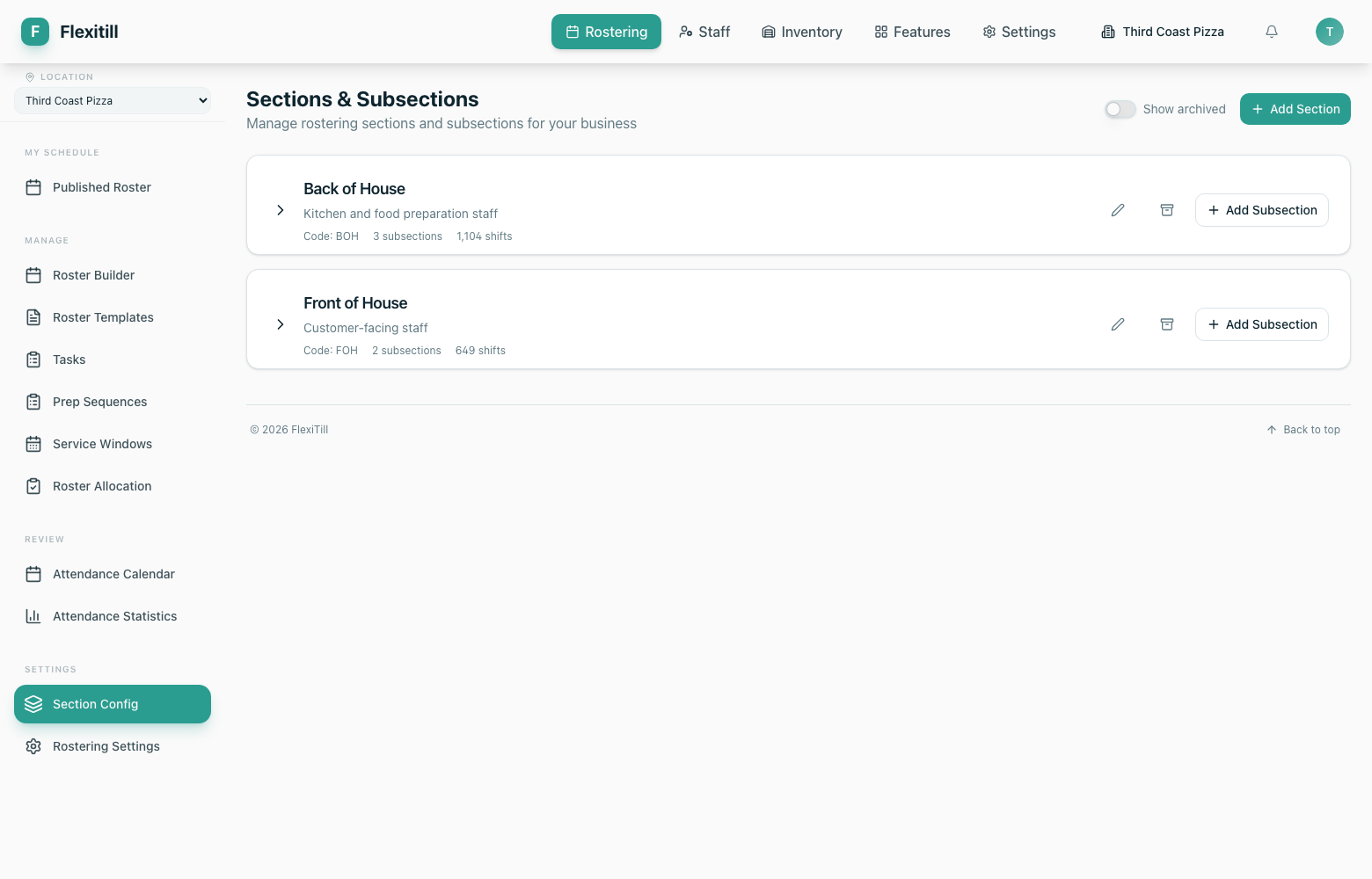
Sections divide your business into working areas — Front of House, Back of House and their subsections such as Bar, Server, Dough or Dishy. Shifts, pay rates and staff skills are all organised by section.
Service windows
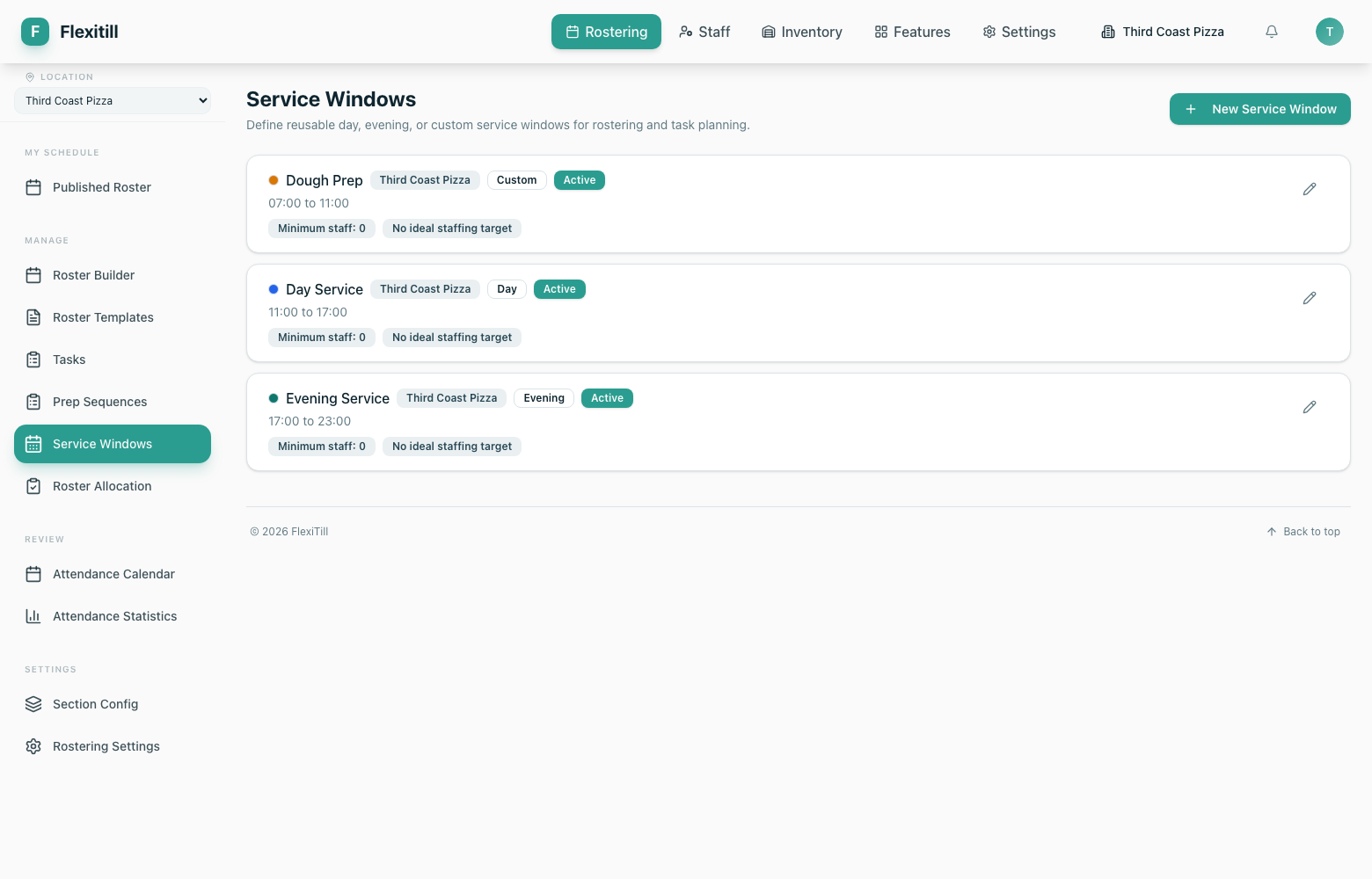
Service windows describe the trading periods of a day — lunch, dinner, a private event. Shifts sit inside a window, which is what lets the roster show cover per service rather than per day.
Roster allocation
Where to find it·Rostering → Roster Allocation
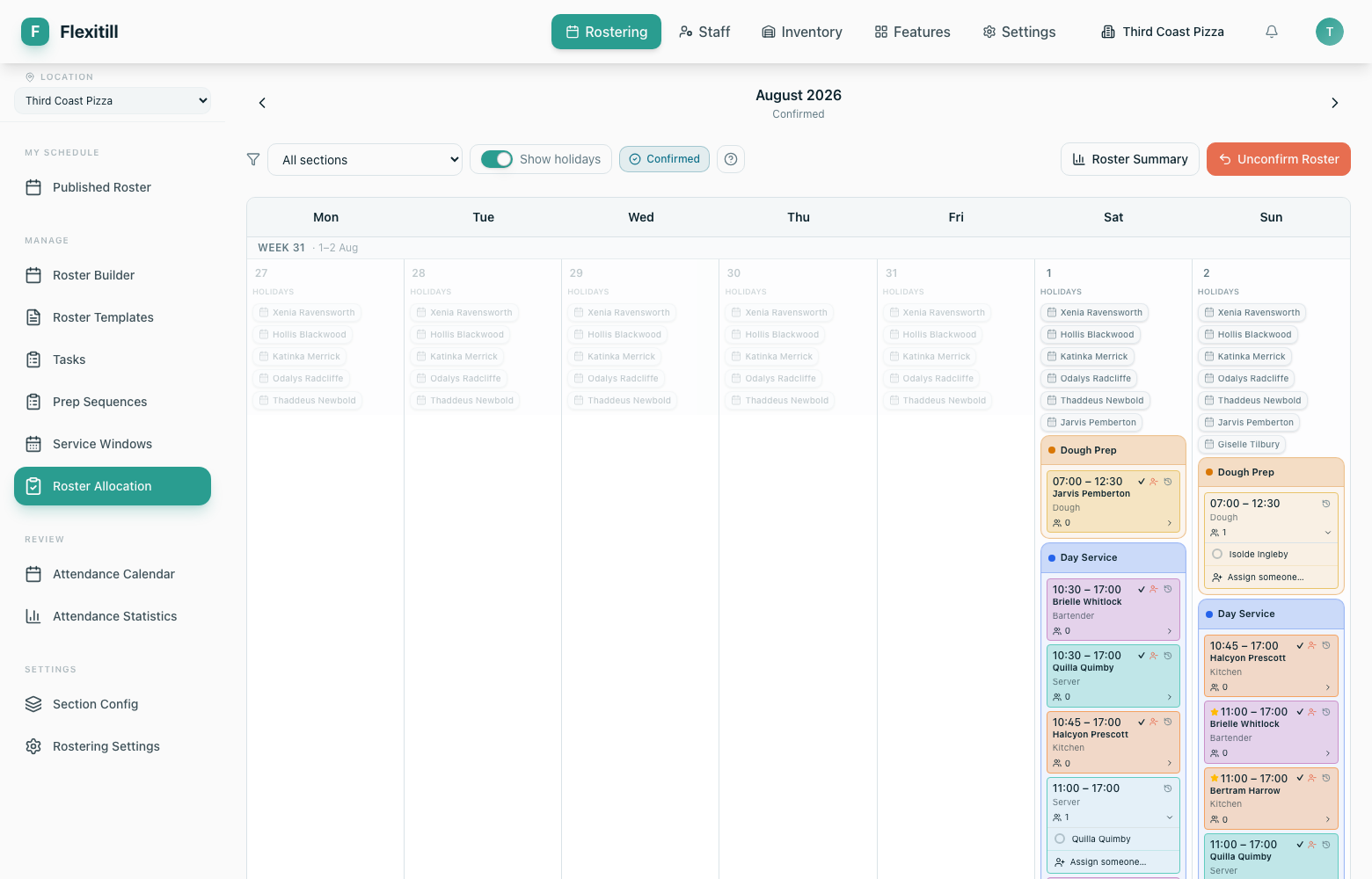
Allocation is where open shifts are matched to people, and where shift swap requests raised by staff are reviewed and approved.
Rostering settings
Where to find it·Rostering → Rostering Settings
Controls that apply to the whole rostering module — how far ahead staff can see, what they are allowed to do with their own shifts, and how the week is structured.