Login & Setup
How to reach your business login screen, sign in, and find your way around the top-level navigation.
Signing in
Where to find it·/login/your-business
Each business has its own branded login URL. Your manager will send you the link — it ends with your business short name. The sign-in screen carries your own restaurant branding, so you can confirm you are in the right place before entering credentials.
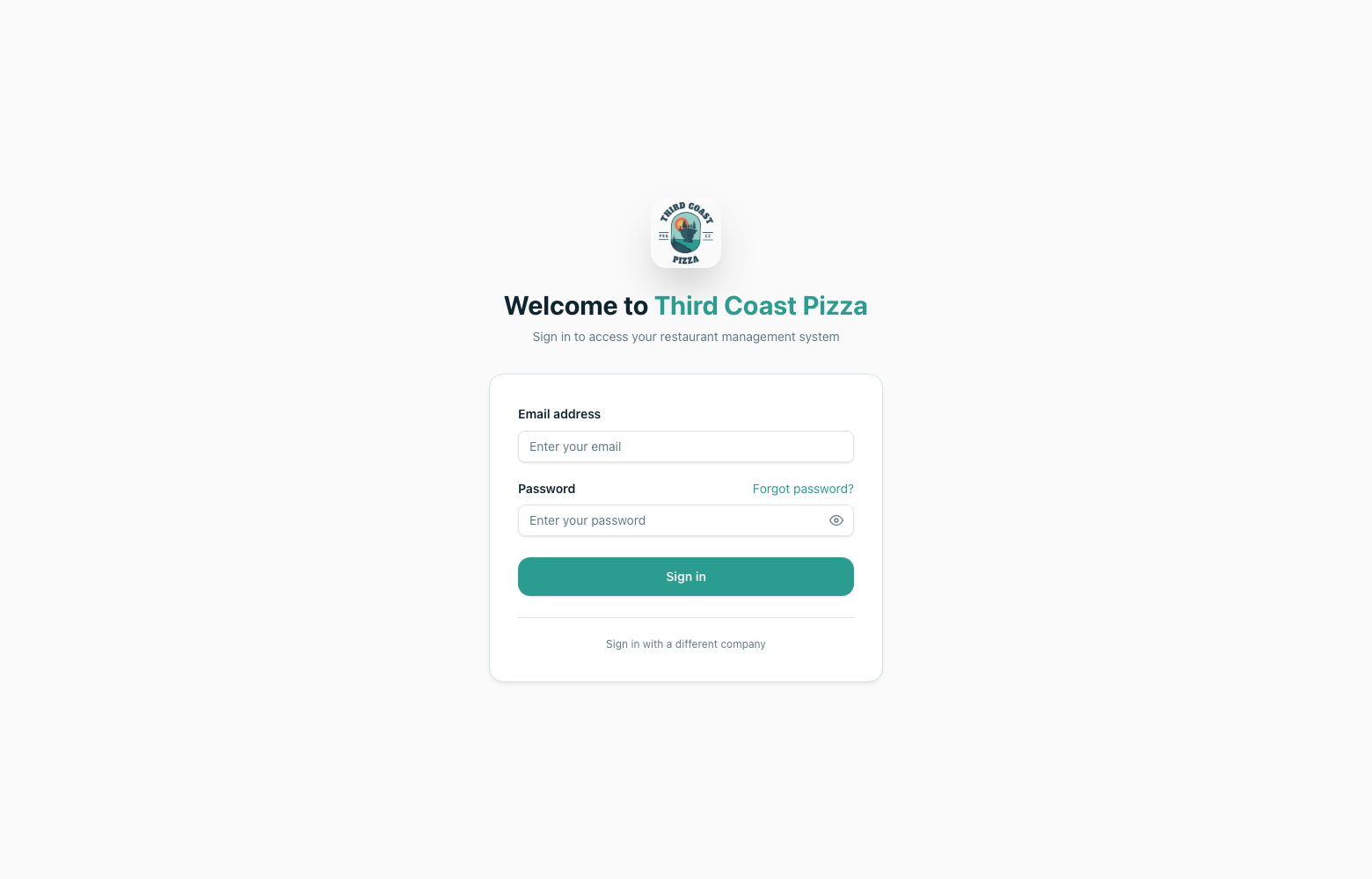
- 1Open the login link for your business.
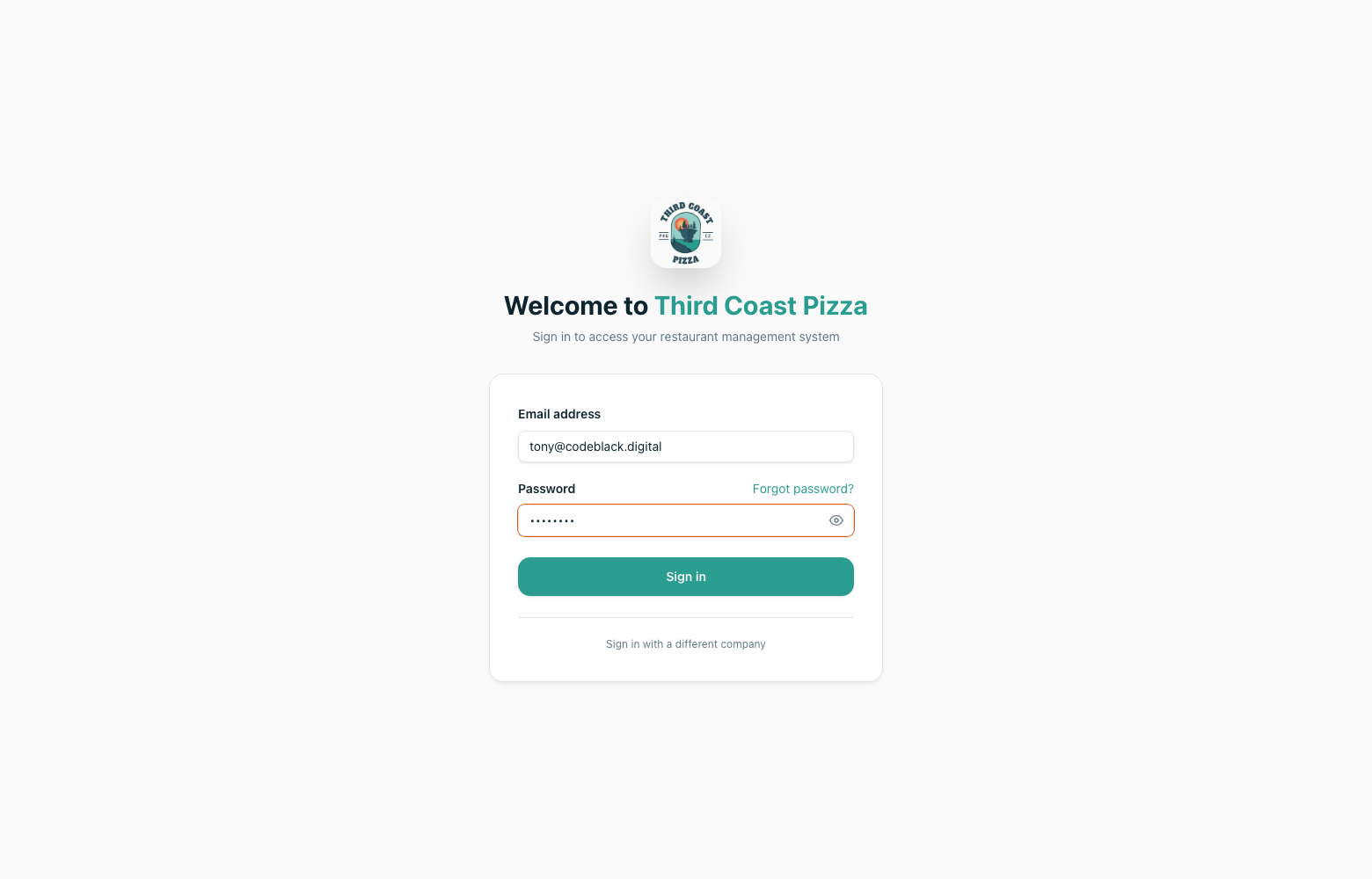
- 2Enter the email address your account was created with.
- 3Enter your password.
- 4Click Sign in. You will land on the Dashboard.
Finding your way around
The top bar is the main navigation. Which items you see depends on the modules your business subscribes to and the permissions attached to your role — a server sees far fewer entries than an owner.
Rostering
Rotas, shifts, attendance, tasks and prep sequences.
Staff
Employees, onboarding, training, documents, holidays and payroll.
Inventory
Products, recipes, suppliers, deliveries, stock counts and write-offs.
Features
Reservations, events, cash wallets, loyalty, website and accounting.
Settings
Business details, locations, equipment, devices and security.
Location switcher
Sites with more than one venue switch between them from the sidebar.
First-time setup for new staff
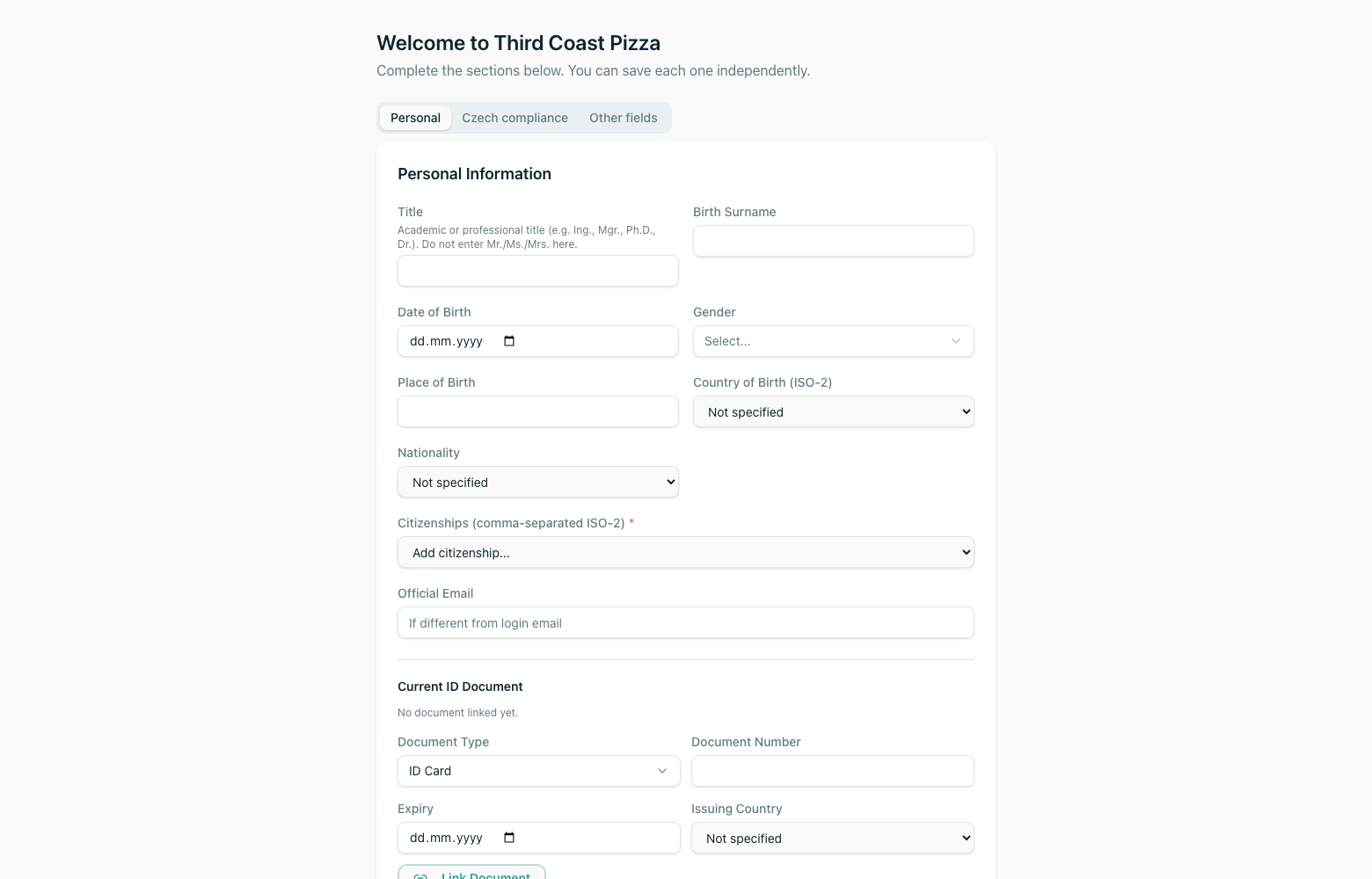
Where to find it·/onboarding
Staff invited to Flexitill are walked through a guided onboarding flow the first time they sign in. It collects the personal and compliance details your business needs before the employee can be rostered or paid.